Submitting a paper to the event website
A user can upload scientific papers to an event’s website as long as:
- They are a registered user of the platform.
- The document submission period is open.
Steps to upload a paper
Find the event and sign in
Go to the events home page and, using the filters, find the event you want to send your paper to. Once you are on the event website, open the login panel and sign in as a user.

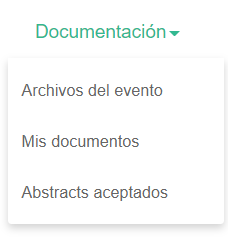
Go to the Documentation > My documents tab
In the event’s header menu, find the “Documentation” tab and click “My documents” to access the submission form. Bear in mind that the organizer can change the menu labels, so this section may have a different name.
Register your user
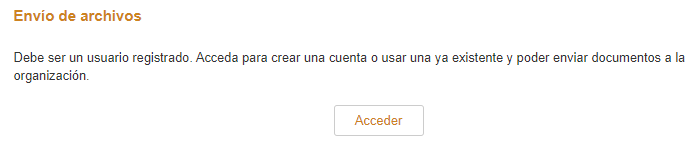
If you do not have a user account, when you enter this section you will see a link to a registration form.
Complete the upload form
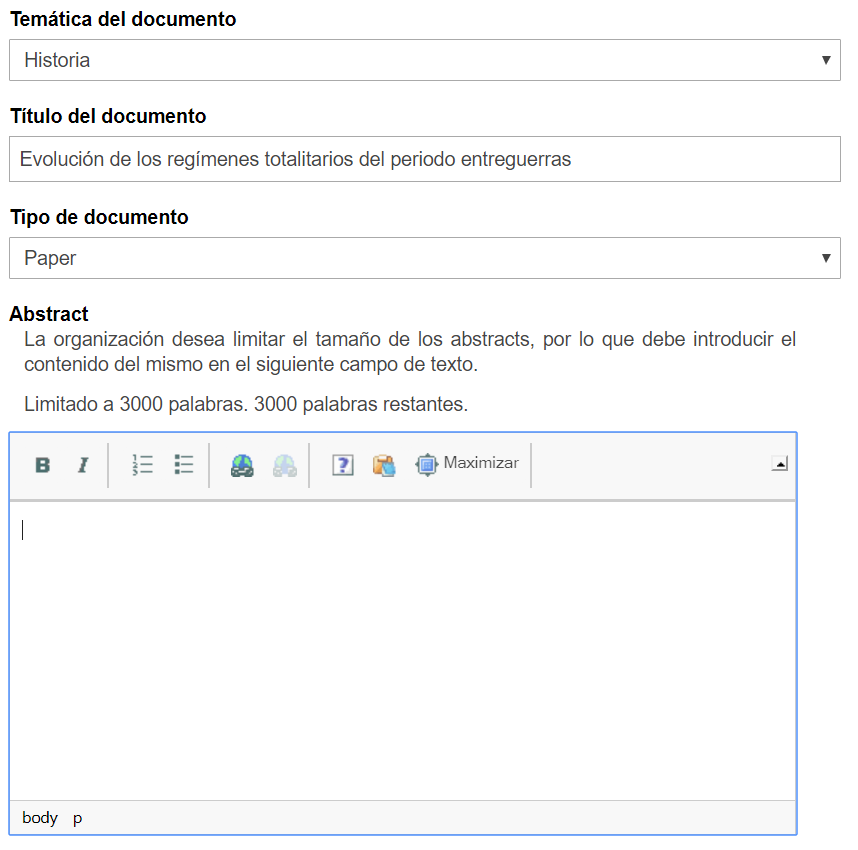
To submit the document you will have to complete the upload form. At a minimum you must enter the title of the document, select one of the topics the organization has created to classify the different papers, and choose the type of document you are going to submit.
The organization may add other questions to the form, and some fields may be mandatory in order to upload the paper. If the document you are sending is an abstract, you will have to insert the text of your abstract in the editor provided, unless the event organization requires another method.
You can add more authors to the document with “Add author”.
Editing the abstract
After publishing the paper you will receive a confirmation by email. This confirmation will include a link you can use to edit your paper.
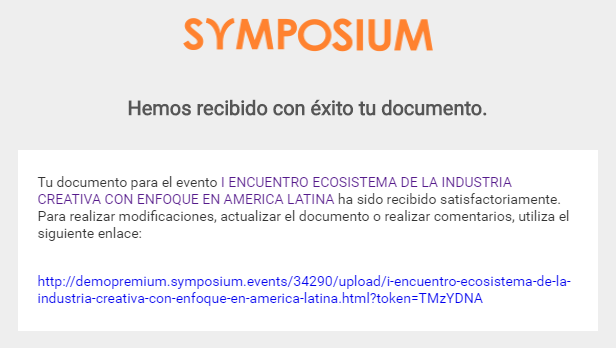
If you cannot retrieve this email to go directly to your documents panel, you will have to go to the event website and sign in with your user account. Then go to the “Documentation” > “My documents” section. From here you can check the status of the uploaded papers and edit them.
You can only modify a paper while its status remains “Pending”. If your paper is accepted or rejected, you will receive a notification informing you of the new status of your document and you will no longer be able to make any changes.
Abstract acceptance
When your abstract is accepted, you will receive a notification email. You will not be able to make any more changes to this paper. If the event requires a full paper to be submitted after the abstract is accepted, you can send it when the period opens.
Uploading the full paper
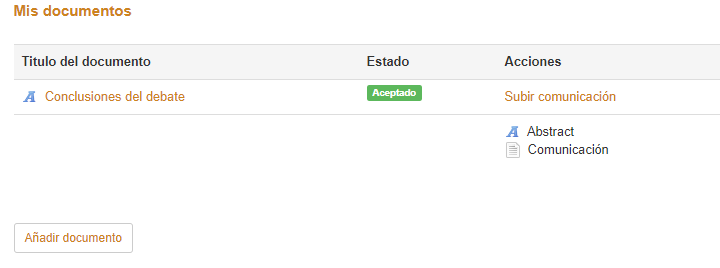
Once you have uploaded the abstract and it has been accepted by the event organization, you will receive an email so that you can upload the corresponding full paper. If you cannot find the email, you can upload the paper following the same procedure as for uploading the abstract:
- Find the event
- Sign in from the event website with your username and password
- Find the document upload section
- Check that the abstract has the status “Accepted” and that a file upload link has been enabled for the paper
- Attach the document with your paper and complete the process.
Published abstracts
After the abstract is accepted, a new section will be created inside the “Documentation” menu with all the abstracts that have been accepted for the event. From this page, registered users can view the abstracts accepted by the organization and comment on them.