Finding events
Symposium instances are generally organized into four separate sections, although they can be hidden depending on each institution’s preference.
Search engine
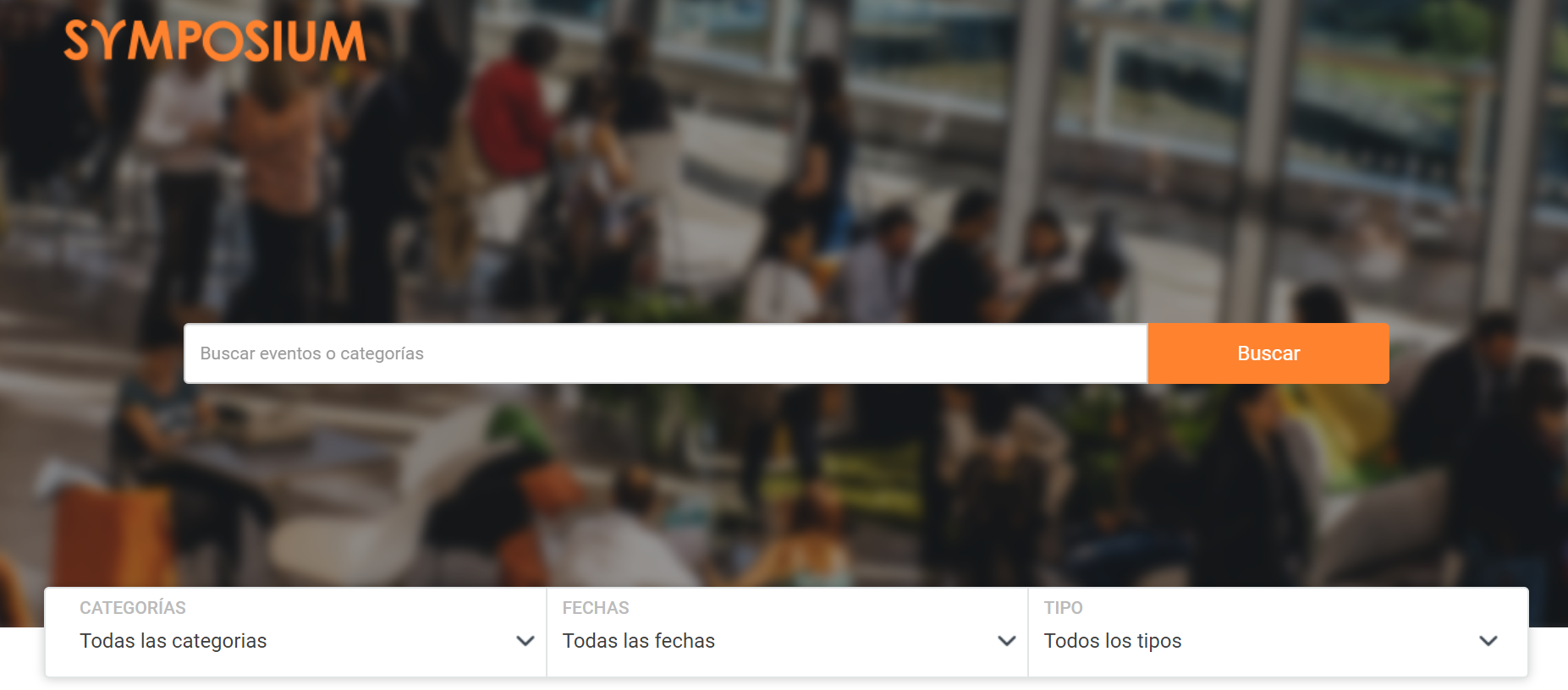
First of all, and by default, every Symposium instance has a search engine that users can use to find events whose title contains a keyword or set of keywords. Besides the search engine, the search can be refined even further by applying filters by category, event dates and event type.
Upcoming events
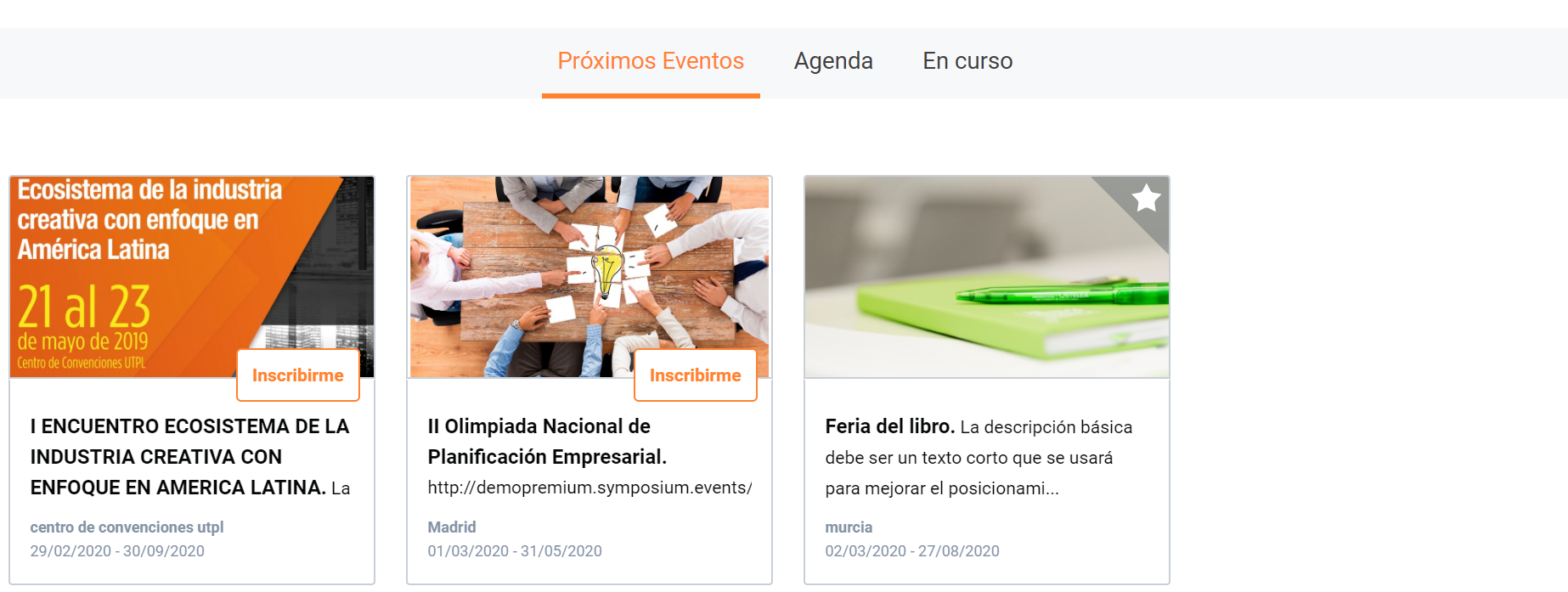
This section shows the cards of upcoming events that are published and scheduled for a future date. Up to a maximum of eight cards are shown. Events are sorted by the nearest event date. If there are more, they can be viewed with the “View more events” button.
Agenda
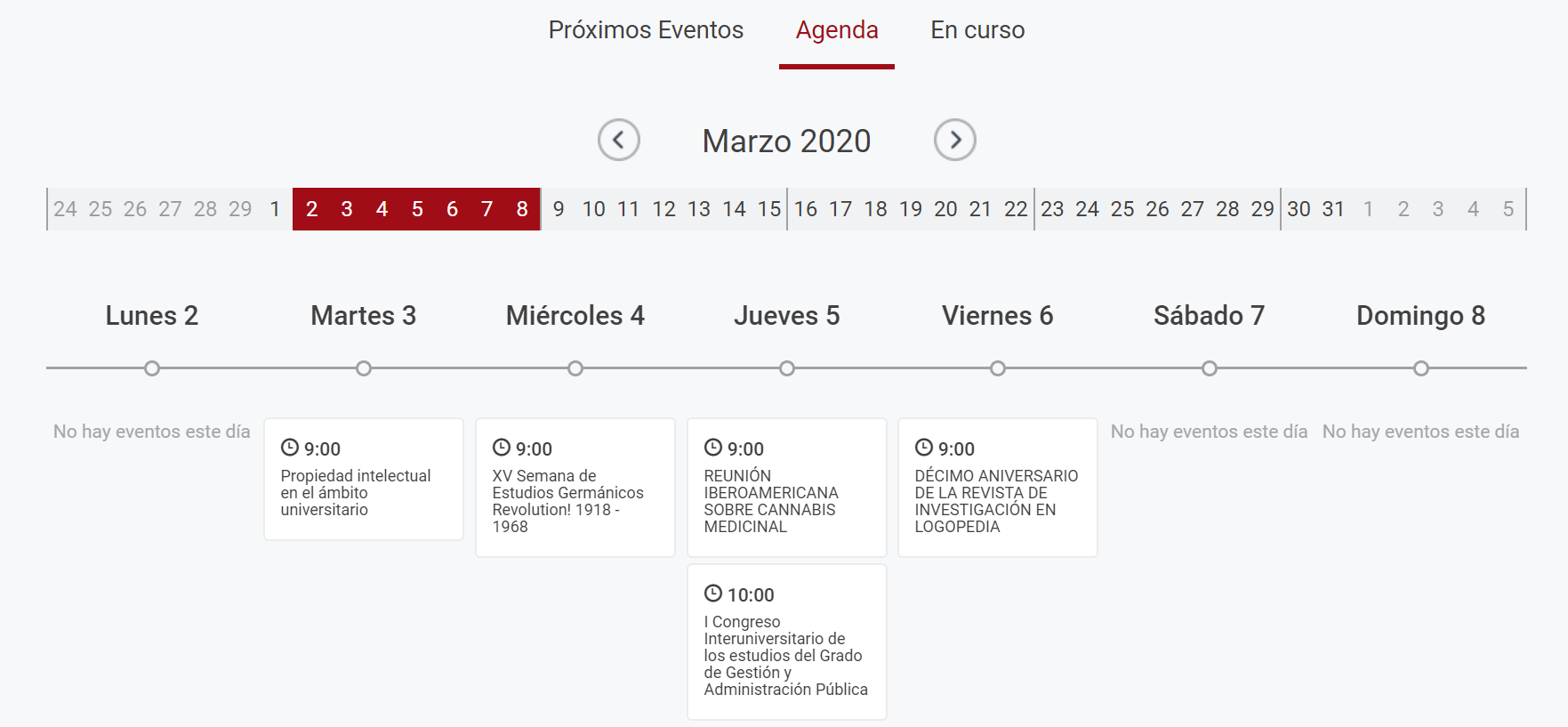
This section may or may not be visible, depending on the configuration chosen by the platform administrator. It shows a calendar in which events are published by day. Visitors can find any past or future event by moving forwards and backwards through the weeks and months of the calendar.
Ongoing events
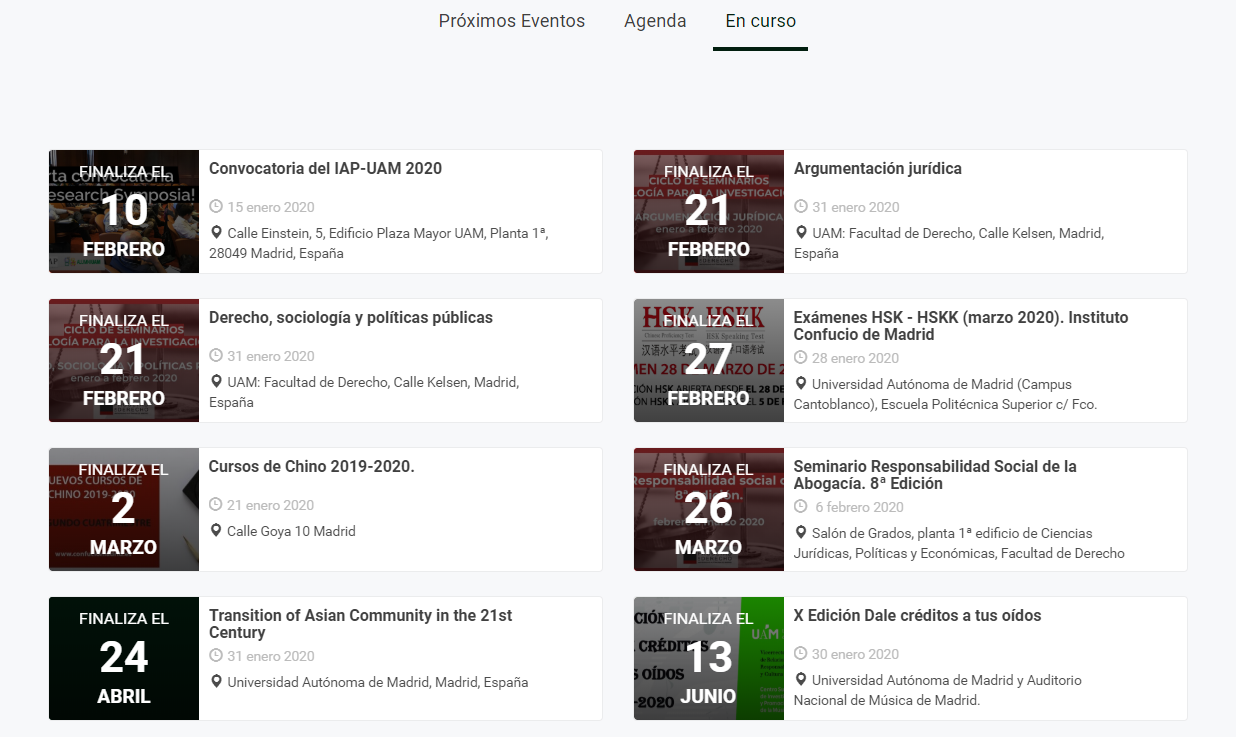
Like the other sections, this one may or may not be enabled. This view shows events that have already started and are in progress. They may be events that last several days or months and that the organizer wants to keep showing in the instance.