Events I attend
When you sign in to the platform with your email and password or with any of the other sign-in methods, you enter your private area, and the first panel you see is called “My events”.
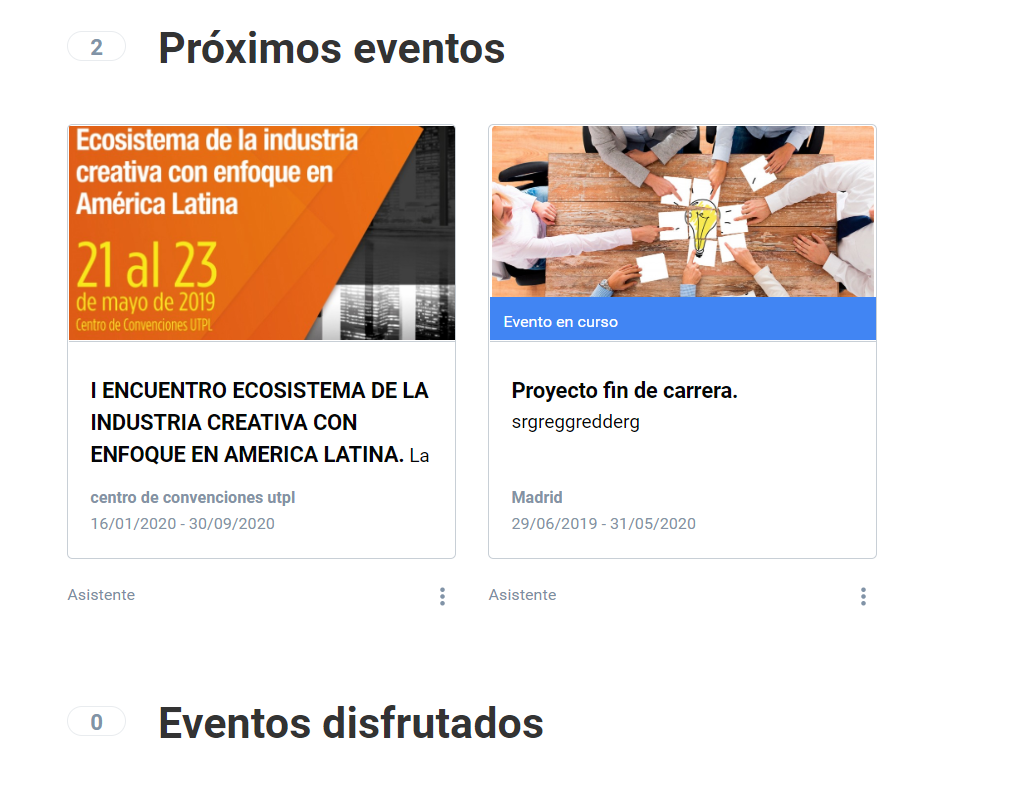
This first panel shows a preview of all the events you are involved in, either as an attendee or as a member of the organization. You may have several events in which you take part with different roles, so you may only need to look at the ones you attend.
You can filter your events to get the list of those you attend by clicking the following button.

You will be able to see a list of the events you attend that are coming up soon, as well as those already in progress or already held.
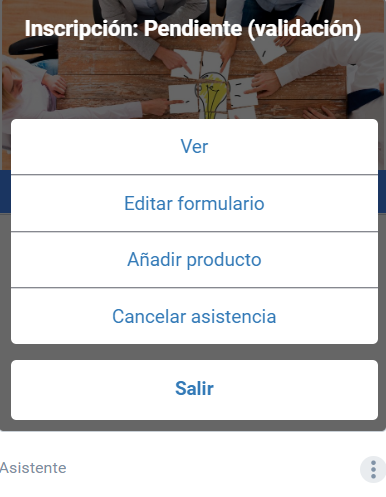
As an attendee you have a menu that you can open from the icon below the event card:
- It shows the status of your registration;
- With one click, you go to the event website;
- You can modify your answers to the registration form, if there is one;
- Buy products, if the event offers that value-added service;
- Download the invoice for your registration, if it is a paid one and you requested it when registering, or request it at that moment;
- Download the document certifying your attendance in PDF format (the ticket), which may include a QR code;
- Download the certificate of attendance generated by the organization;
- Download the badge, if the organizers have generated it;
- and finally, you can cancel your attendance.