Email communications
Summary table
| When the user signs up… | ||||
|---|---|---|---|---|
| Action | Description | Sender | Reply to | Preview |
| Sign-up page | None; it is done by registering for an event | - | - | N/A |
| LDAP/CAS/POA login page | Automatic sign-up on first login | (auto) symposium@emagister.com | (auto) institucion@correo.com | 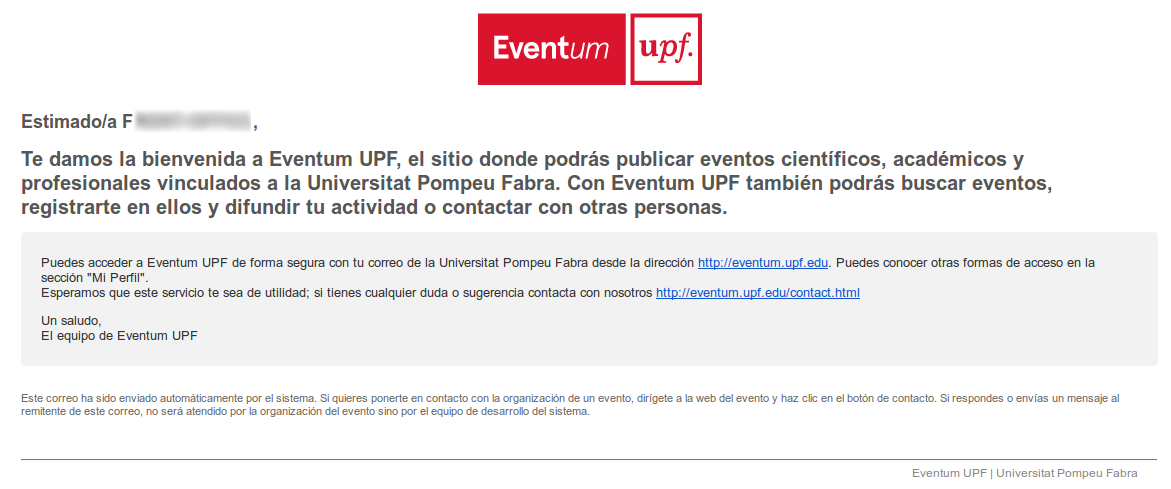 |
| When the user registers… | ||||
| Recipient | Description | Sender | Reply to | Preview |
| Attendee | Existing user | symposium@emagister.com | evento@correo.com | 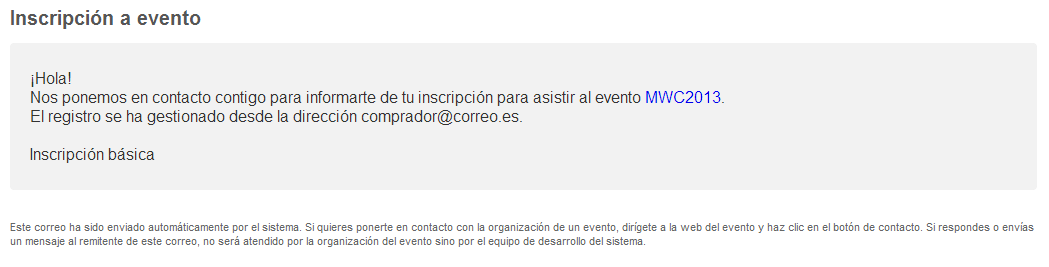 |
| Attendee | New user | symposium@emagister.com | evento@correo.com | 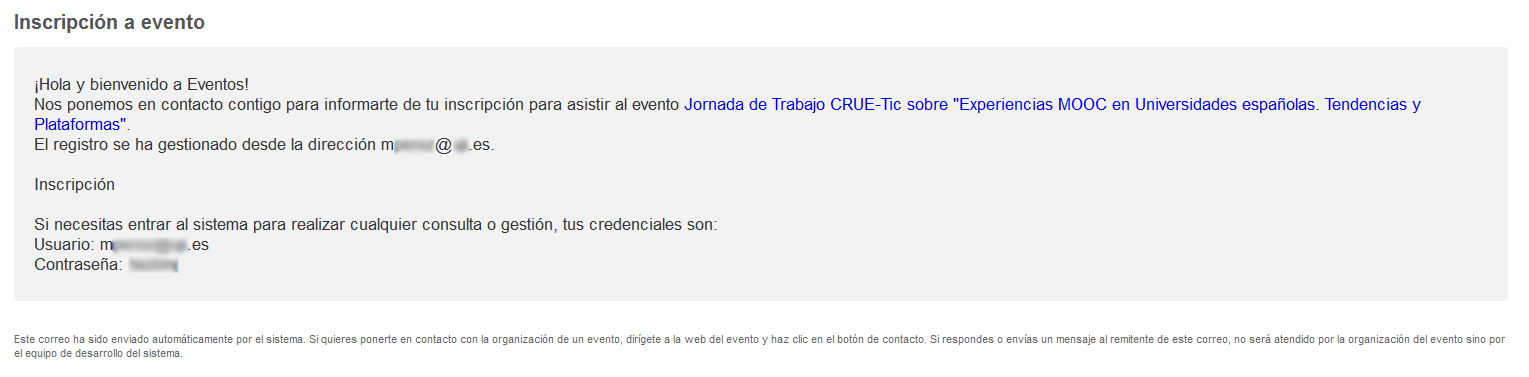 |
| Registration manager | Registration receipt | symposium@emagister.com | evento@correo.com | 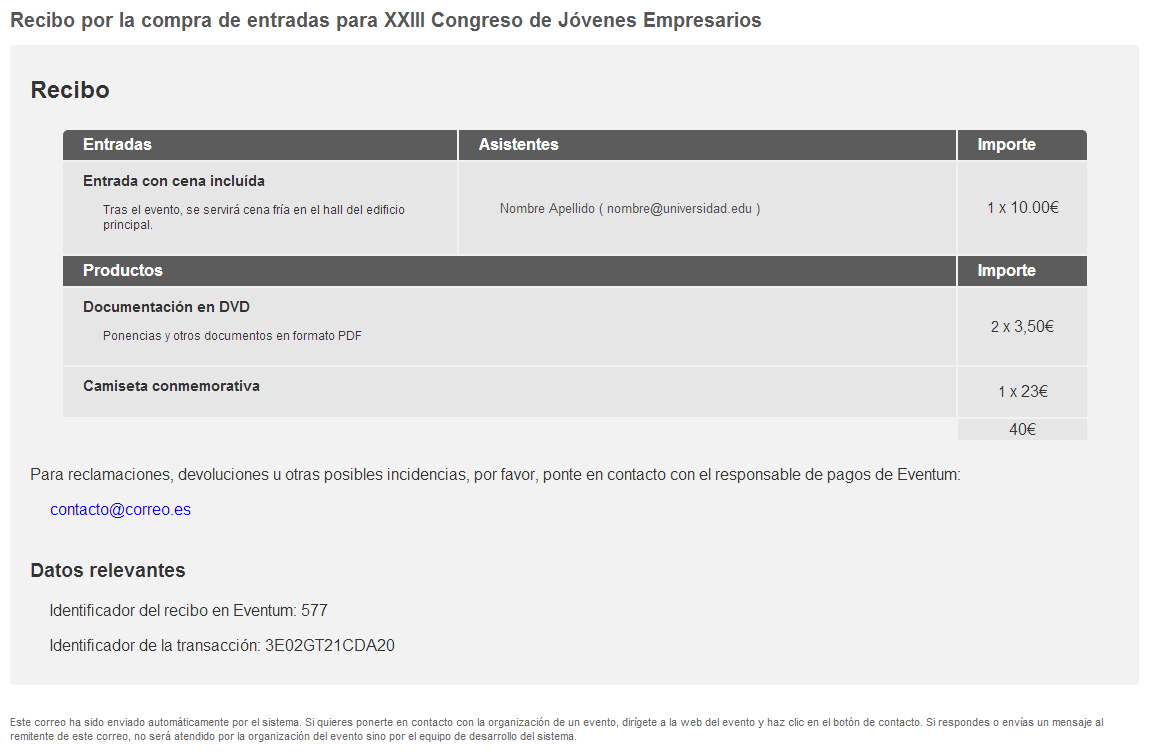 |
| When the user is already registered… | ||||
| Action | Description | Sender | Reply to | Preview |
| Cancel registration | Attendee panel | symposium@emagister.com | evento@correo.com | 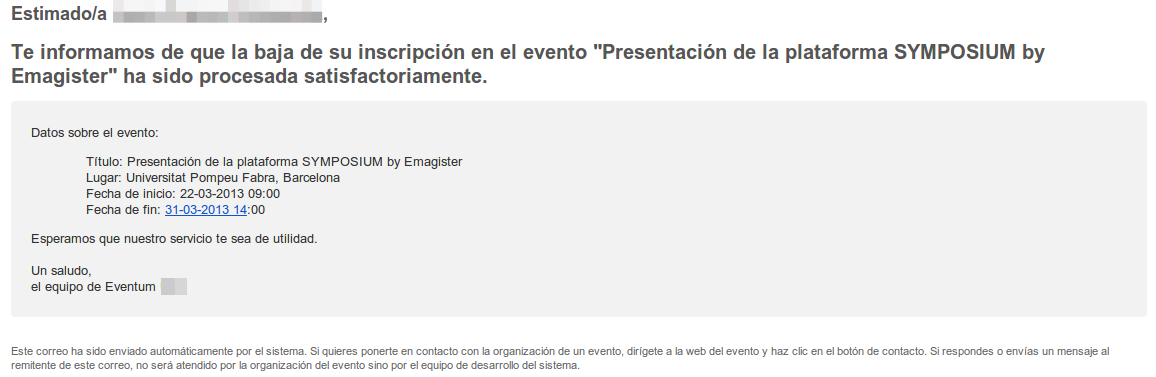 |
| Automatic cancellation | Registration type update | symposium@emagister.com | evento@correo.com | 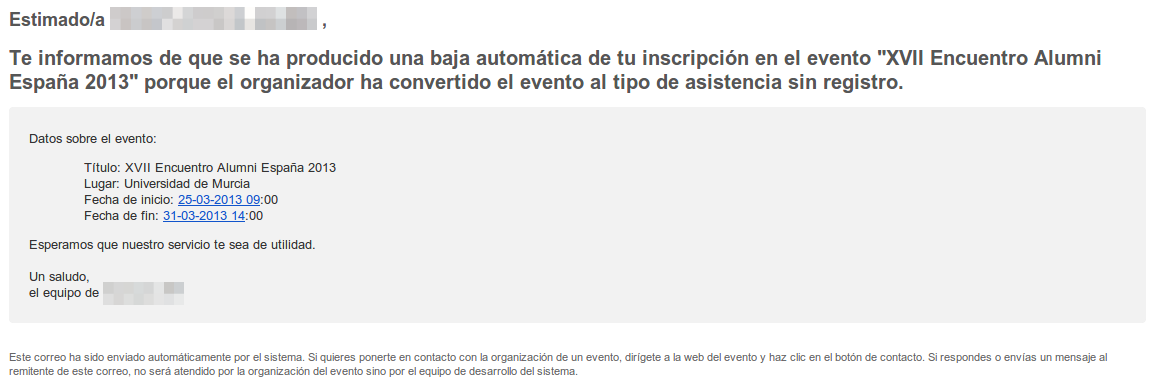 |
| When the user sends documentation… | ||||
| Action | Description | Sender | Reply to | Preview |
| File submission page | Event page | symposium@emagister.com | evento@correo.com | 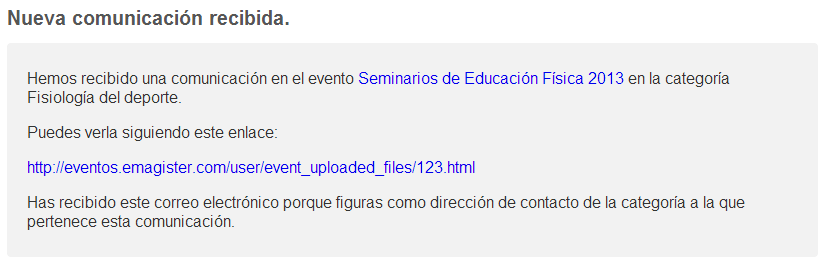 |
| When the user organises events… | ||||
| Action | Description | Sender | Reply to | Preview |
| Registration | You have attendees pending validation | (auto) symposium@emagister.com | (auto) institucion@correo.com | 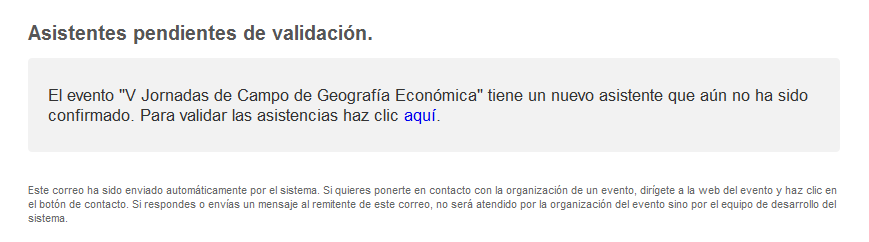 |
| Registration | Registration accepted | symposium@emagister.com | evento@correo.com |  |
| Registration | Registration rejected | symposium@emagister.com | evento@correo.com | 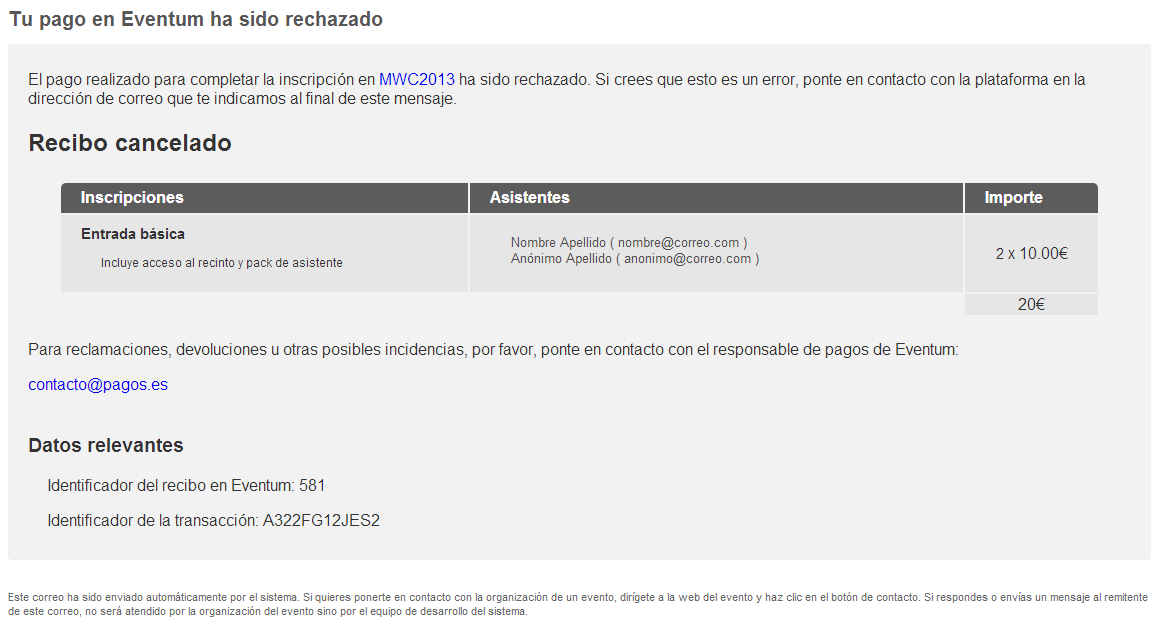 |
| Registration | Payment receiver assignment request | symposium@emagister.com | evento@correo.com | |
| Registration | Cancellation of payment receiver assignment request | symposium@emagister.com | evento@correo.com | |
| Registration - Payment receivers | Payment receiver assigned to the event | (auto) symposium@emagister.com | (auto) institucion@correo.com | |
| Registration - Payment receivers | Event loses all its payment receivers | (auto) symposium@emagister.com | (auto) institucion@correo.com | |
| Committee invitation | Notification to existing user | symposium@emagister.com | evento@correo.com |  |
| Committee invitation | Invitation to new user | symposium@emagister.com | invitador@correo.com | 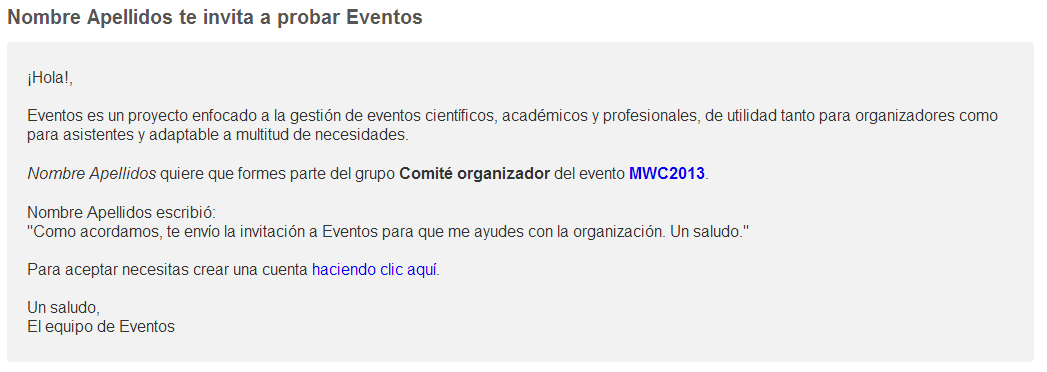 |
| Committee invitation | Notification of removal from committee | symposium@emagister.com | evento@correo.com |  |
| Event transfer | Request to existing user | symposium@emagister.com | cedente@correo.com | 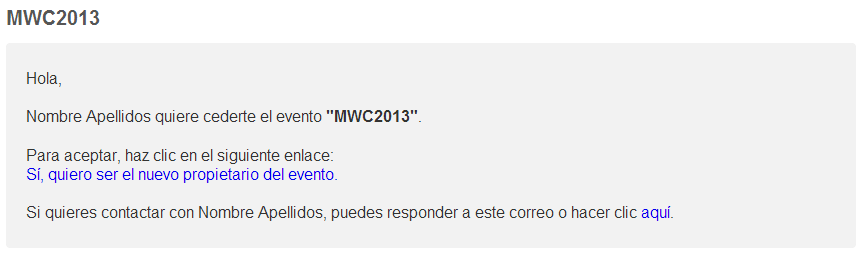 |
| Event transfer | Invitation to new user | symposium@emagister.com | cedente@correo.com | |
| Event transfer | Acceptance notification | (auto) symposium@emagister.com | (auto) institucion@correo.com |  |
| Call for papers | Bulk documentation mailing | symposium@emagister.com | evento@correo.com | 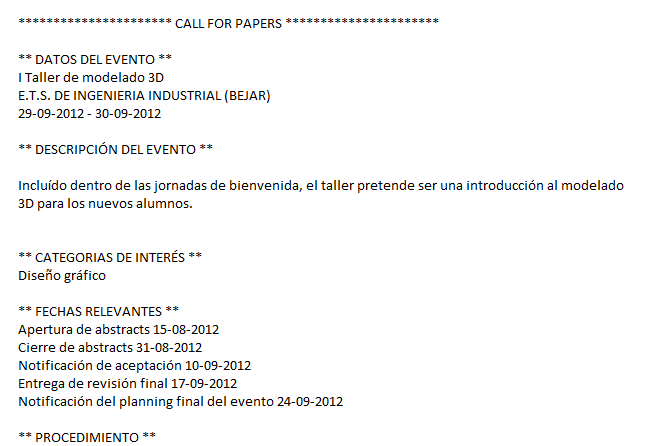 |
| Send email | Contact attendees | symposium@emagister.com | evento@correo.com |  |
| Welcome message | Valid registration | symposium@emagister.com | evento@correo.com | 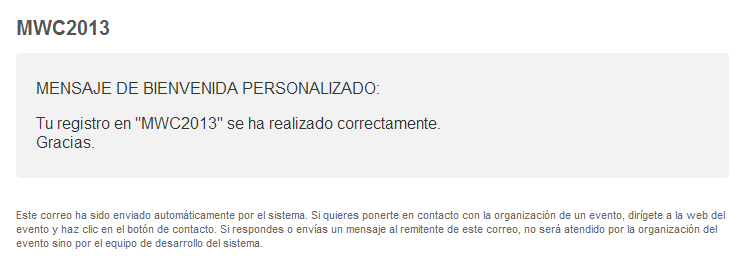 |
| When the user makes contact… | ||||
| Action | Description | Sender | Reply to | Preview |
| Platform | Contact with the platform administration | symposium@emagister.com | usuario.contacto@correo.com | 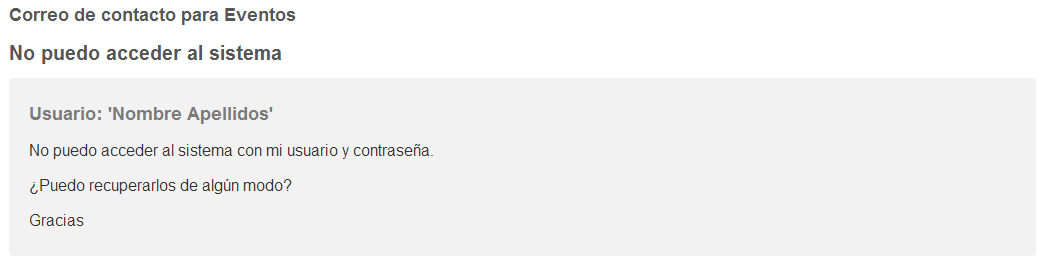 |
| Event | Contact with the event organizers | symposium@emagister.com | evento@correo.com | 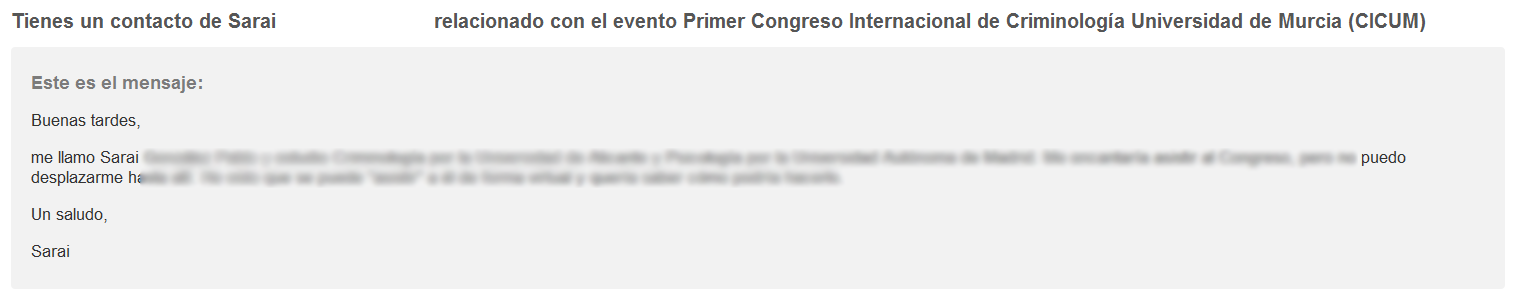 |
| When the user uses the financial management panel… | ||||
| Action | Description | Sender | Reply to | Preview |
| Validation of pending payments | Payment accepted | (auto) symposium@emagister.com | (auto) institucion@correo.com | 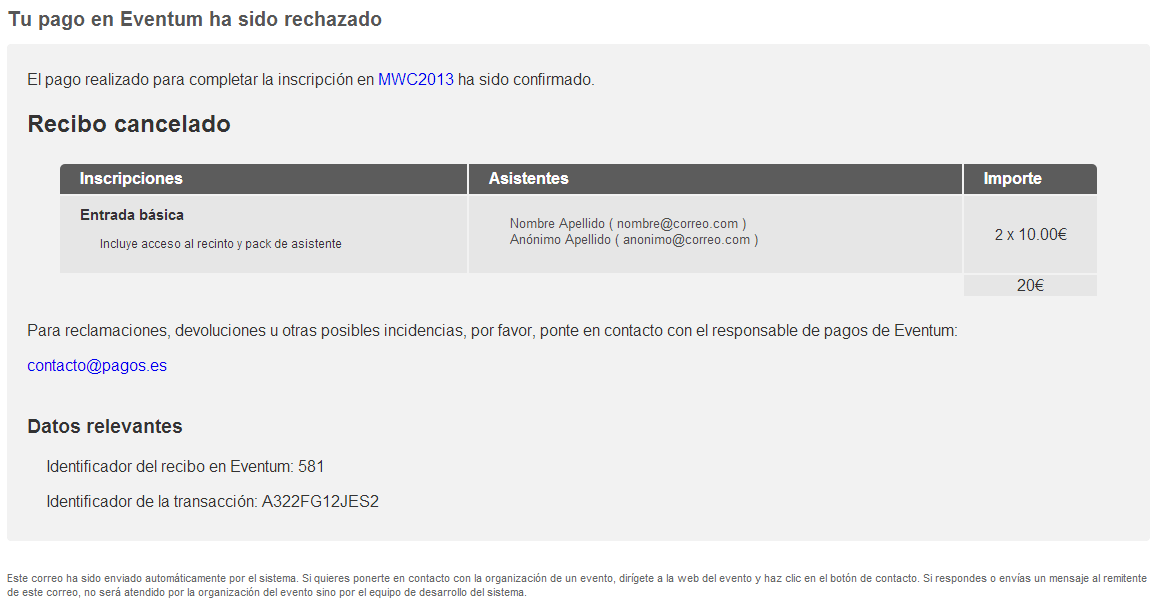 |
| Validation of pending payments | Payment rejected | (auto) symposium@emagister.com | (auto) institucion@correo.com | |
| When the user uses the site administration panel… | ||||
| Action | Description | Sender | Reply to | Preview |
| New support user | Notification to existing user | (auto) symposium@emagister.com | (auto) institucion@correo.com | |
| New support user | Invitation to new user | (auto) symposium@emagister.com | (auto) institucion@correo.com | |
| New site administrator | Notification to existing user | (auto) symposium@emagister.com | (auto) institucion@correo.com | 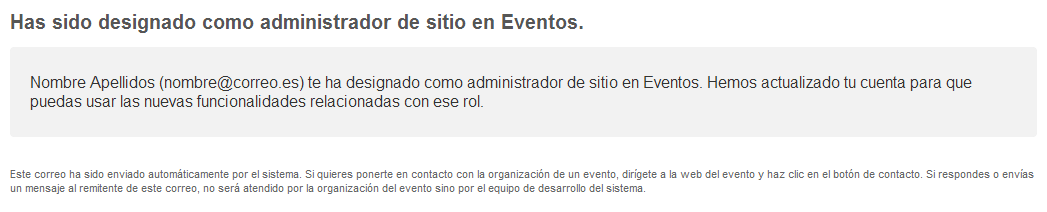 |
| New site administrator | Invitation to new user | symposium@emagister.com | invitador@correo.com | 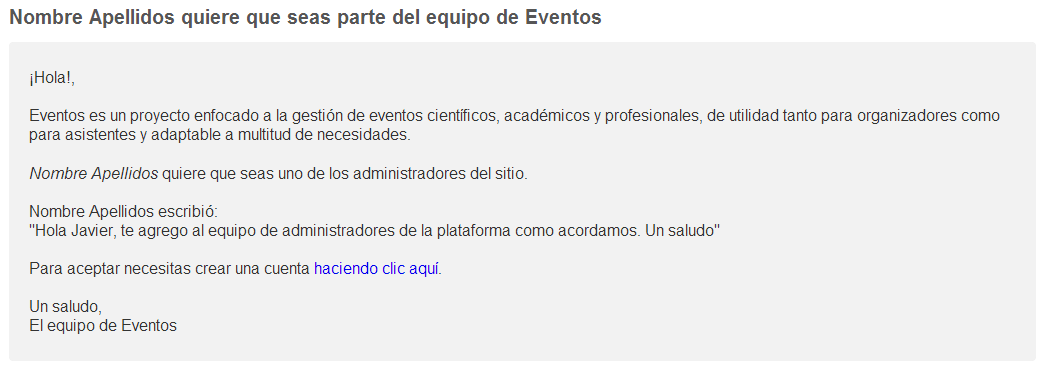 |
| New event organizer | Notification to existing user | (auto) symposium@emagister.com | (auto) institucion@correo.com | 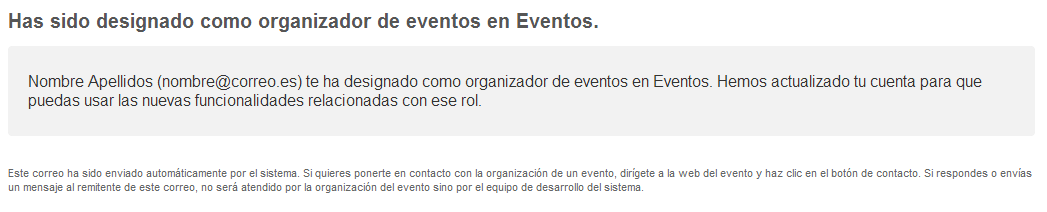 |
| New event organizer | Invitation to new user | symposium@emagister.com | invitador@correo.com | 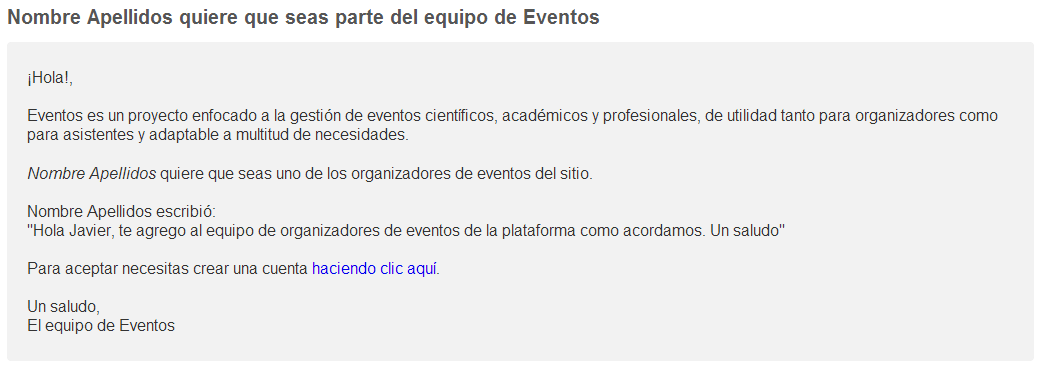 |
| New financial administrator | Notification to existing user | (auto) symposium@emagister.com | (auto) institucion@correo.com | 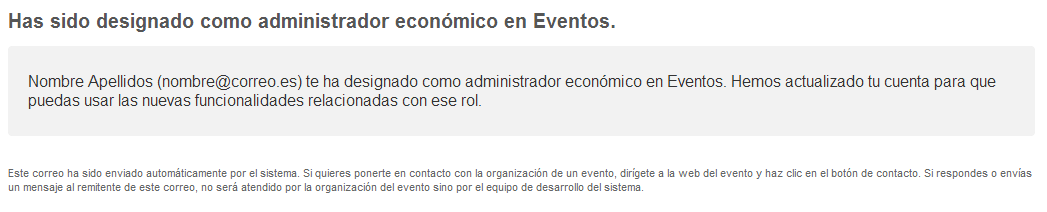 |
| New financial administrator | Invitation to new user | symposium@emagister.com | invitador@correo.com | 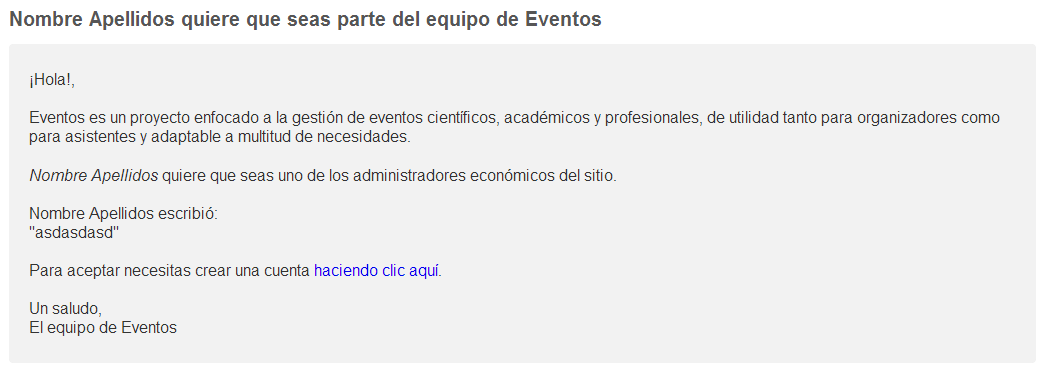 |
User sign-up
Direct sign-up
Direct user sign-up is currently not possible. Users must already have an account via LDAP/CAS/POA or sign up when they make their first event registration.
LDAP/CAS/POA
When accessing the portal through LDAP/CAS/POA, the user will receive a welcome email on their first login.
Registering for an event
NOTE: if the attendee is also the organizer, they do not receive the welcome email and, if the registration requires validation, it is confirmed automatically.
Attendee
When a new attendee is registered, the system sends an email informing that person that their registration has been completed. If that person was already a user, they are sent a notification. If they were not a user, they are sent a notification together with their credentials to log in to the platform.
Registration manager
When a new attendee is registered, an email account can be specified to receive the registration details. This account may differ from those used for the attendees. This email includes a description of the registration made, including payment details, if any.
Event organizer
Registrations
For events whose attendance requires validation, the organizer will receive an email notifying them that there are new registrations requiring their attention.
When the organizer accepts or rejects these registrations, the attendees will receive an informative email. The organizer can include an explanatory message as the reason for the rejection, which will be sent to the rejected attendee.
Payment receivers
When the event is set up as “Paid” and a payment receiver is assigned to it, the organizer will receive a system notification informing them. Likewise, if the event loses all its receivers, the organizer will be told that their event can no longer receive payments.
Committee invitation
The event organizer can invite an email address to join a committee. If that address is not registered as a user, an invitation is sent to it with the details. If it already belongs to a user, that user automatically joins the committee and is notified. If the organizer removes a person from a committee, that person is notified.
When the invitation is accepted, the organizer will receive an email notification indicating that the person is now a user of the tool and a member of the committee.
Event transfer
The event organizer can transfer ownership of the event to another user. This action sends an invitation by email.
When the invitation is accepted, the organizer will receive an email notification.
Call for papers
The organizer can launch a Call for papers from the tool. It sends an email to all the recipients selected by the organizer. This email is plain text and includes information about the event.
Send email
The platform allows the organizer of an event to send an email communication to the event’s attendees. You can select the subgroup of attendees among confirmed, pending or rejected, or send it to all of them.
Welcome message
The event organizer can define a welcome email that will be sent to attendees as soon as they register.
Contact
Platform
From the page footer you can contact the platform administrators to report issues or errors. This sends an email to the SYMPOSIUM by Emagister administrators.
Event
From the event page you can contact the organizer. Any visitor can contact the organizer of the event in question, who will receive the message by email.
Accounting panel
Validation of pending payments
In the case of, for example, bank transfers, which are deferred payments, the payer will receive an email when the financial administrator confirms or rejects the payment initiated during registration.
Site administration
New site administrator
If the portal is configured to use a list of site administrator users, email invitations can be sent to join this group of administrators. In this case two possible invitations are sent: one to users who already exist on the platform and another to those who are not users yet.
New event organizer
If the portal is configured to use a list of users who can organize events, email invitations can be sent to join this group of users. In this case two possible invitations are sent: one to users who already exist on the platform and another to those who are not users yet.
New financial administrator
The financial management of the tool can be delegated to the so-called financial administrators. Email invitations can be sent to join this group of users. In this case two possible invitations are sent: one to users who already exist on the platform and another to those who are not users yet.