Events list
You can find this tool in the financial management panel, in the Tools menu:
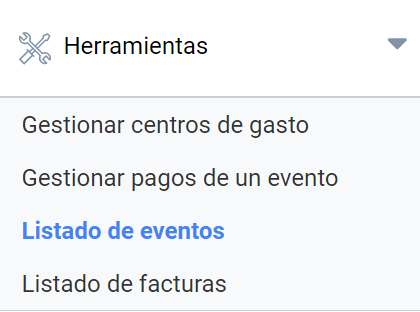
It lets you obtain a list of the events held on the platform according to these filter criteria:
- Date or date range.
- Belonging to an expense center.
- Events in draft mode that are not yet published can also be included.
If you need to see the complete list of events, click the “Search” button without applying any search filter. You will get the list of all events. At first glance, it shows:
- Event ID.
- Event title.
- Start date.
- End date.
- Registration start (if any).
- Registration end.
For each event there is a “+” drop-down where you will find information about the organizer of that event. This list can be exported to Excel.
Last updated on