Search for an invoice by receipt
From Financial management panel > Tools > Search for an invoice by receipt you can edit and issue invoices:
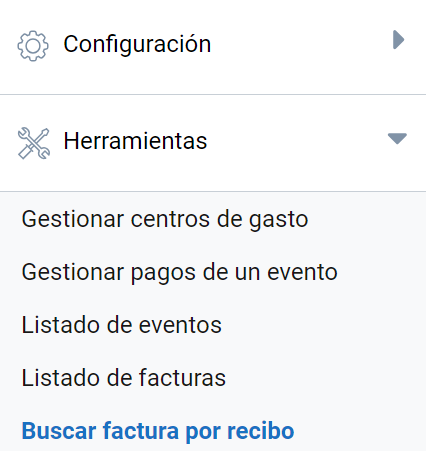
This feature lets you review the billing details (if any) linked to each receipt, a number you can check from the Manage event payments and Attending list menus. It is therefore useful to:
Create an invoice that was not requested during the registration process
You need to search for the receipt and click See billing data:
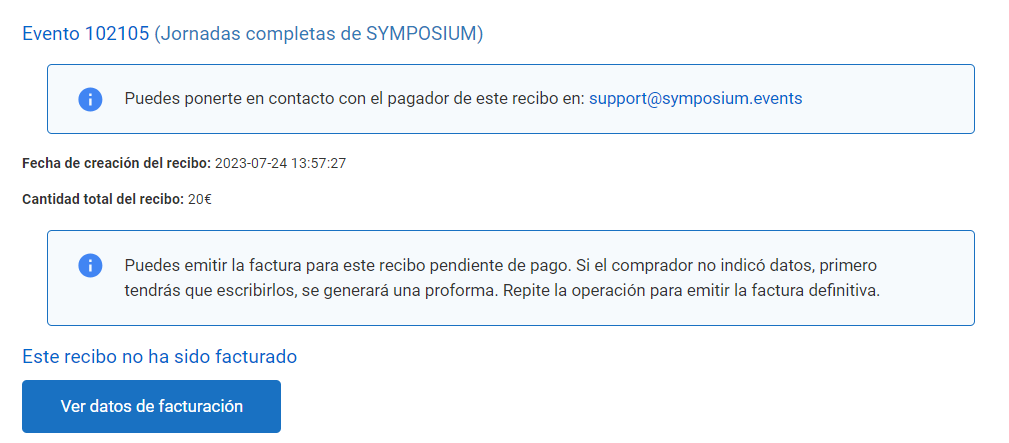
As the receipt has not been invoiced, the platform will ask whether you want to create an invoice. If you do, the billing form will open, where you can enter the recipient details provided by the person requesting the invoice.
Correct the details of an invoice
After searching for the receipt in question, the platform will let you Edit the invoice:
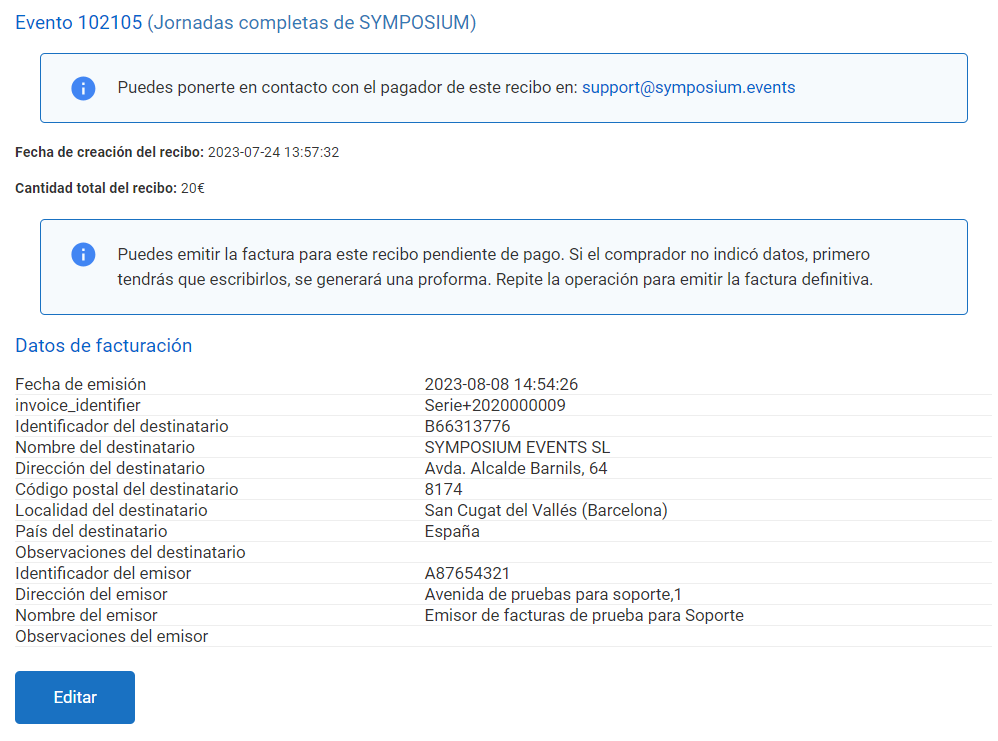
Clicking the corresponding button opens the billing form, which lets you correct the recipient details.
If the invoice is still a pro forma invoice, the platform will also show the Issue option to generate the final invoice, as we will see in the next section.
Issue a final invoice to attendees who need it to make the payment
Sometimes attendees ask for the final invoice in order to pay by bank transfer. From this menu you can issue the final invoice without having to verify on the platform that the payment has been received. To do so, search for the receipt and click Issue invoice:
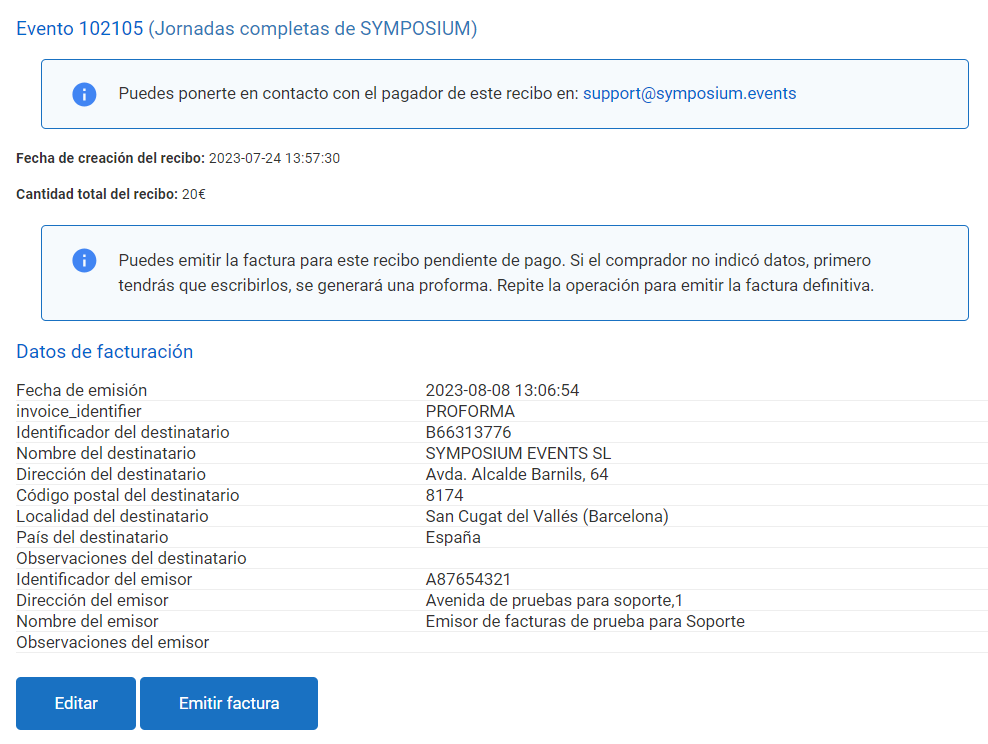
After carrying out any of these three processes, you can send the receipt and/or invoice from Manage event payments.