Payment identifiers
To assign a card-payment terminal (TPV) to your event, you must first link it to an identifier. If you do not, the following message will appear in Financial management panel > Configuration > Assign payment receiver: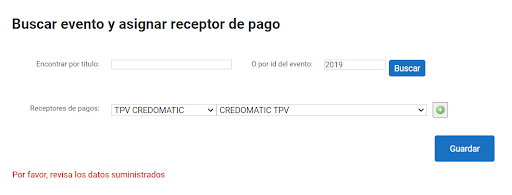 You can therefore assign an identifier to your event from Financial management panel > Payment code > Payment identifiers:
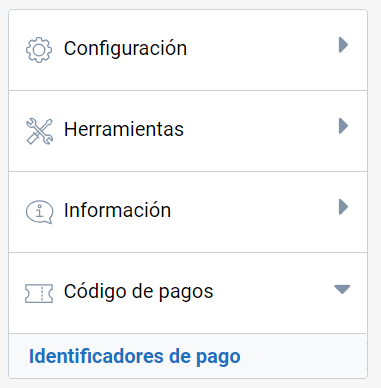 First, find the event by its ID or title. Then click the Search button:
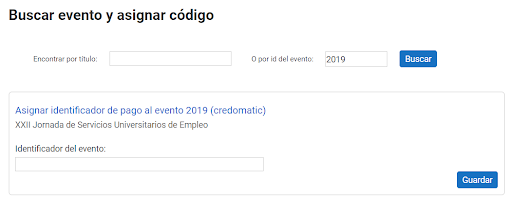 Next, add the payment identifier or income code that corresponds to the event. Once saved, you can go back to Financial management panel > Configuration > Assign payment receiver and link your event to the TPV.
| WARNING! Once the event has payments, you will not be able to modify or delete its identifier. |
Last updated on