Summary and forecast
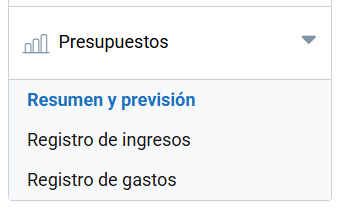
The Summary and forecast section gives you a clear, structured view of your event’s financial status. Here you can record and monitor your forecast and actual income and expenses, making efficient budget management easier.
At the top you will see the event’s current balance, which is calculated automatically by subtracting actual expenses from actual income.
Income
Lets you add all forecast income and compare it with the income actually received, recorded in the Income log menu.
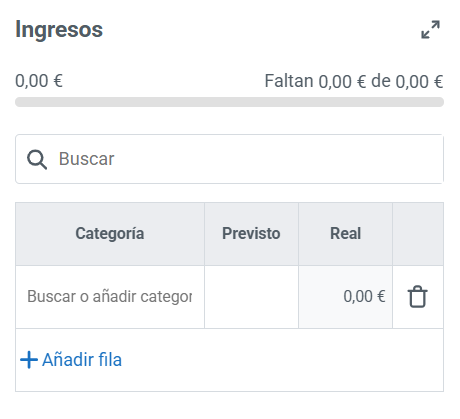
- Category: defines the source or type of income.
- Forecast: estimated income you expect to receive.
- Actual: income received.
As shown in the image, you can add more rows or delete records with the icons available.
Expenses
Lets you keep track of forecast expenses and those actually incurred, recorded in the Expense log menu.

- Category: type of expense.
- Forecast: budgeted expense.
- Actual: expense incurred.
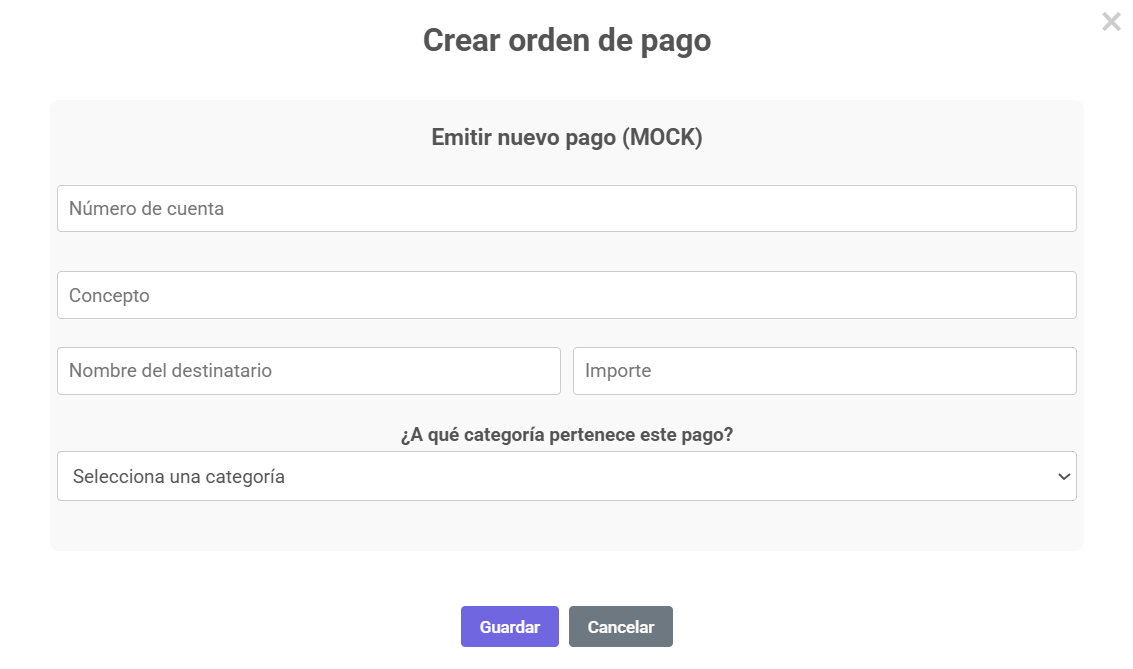
In addition, for one or more registered expenses, you can create a payment order that lets you formalize expenses and ensure financial traceability. To do so, you will need to include the following information:
Finally, to make it easier to keep track of the event’s finances, you can generate a report from the Export button.