Income log
The Income log menu lets you keep detailed track of all the income associated with an event, whether ticket payments, sponsorships, sales during the event or other sources of funding. As this is actual income, it complements the forecast made in the Summary and forecast section.
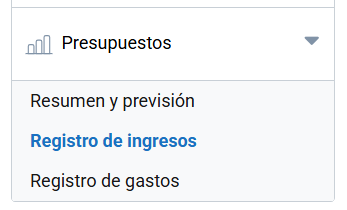
Adding income
The Add row button lets you add an income entry. The information to fill in is the following:
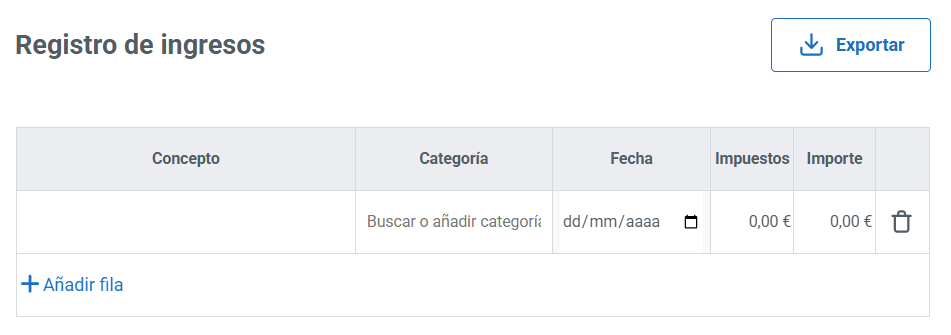
- Concept.
- Category: lets you search for or add a new category.
- Income date.
- Taxes.
- Amount.
You can register as many income entries as you need. They can also be deleted.
To make it easier to keep track of the event’s finances, you can generate a report of your income from the Export button.
Last updated on