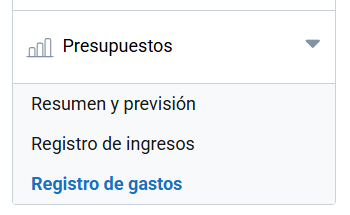
Expense log
The Expense log menu lets you document and manage all the expenses associated with an event. From payments to suppliers and rentals to logistics and staff costs, this tool helps you keep clear and orderly financial control. As these are actual expenses, it complements the forecast made in the Summary and forecast. section.
Adding an expense
The Add row button lets you add an expense. The information to fill in is the following:
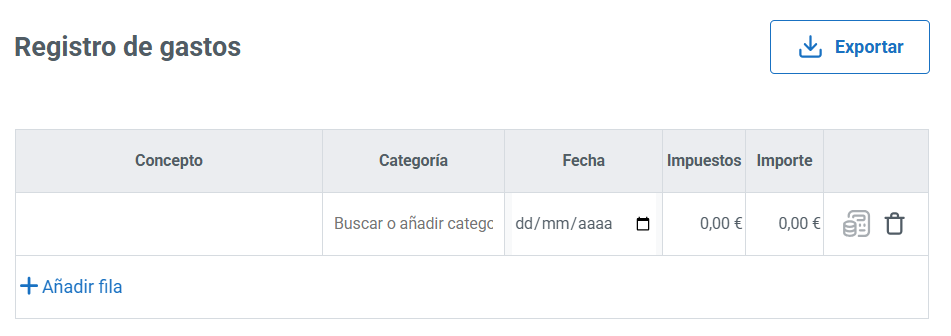
- Concept.
- Category: lets you search for or add a new category.
- Expense date.
- Taxes.
- Amount.
You can register as many expenses as you need. They can be deleted afterwards.
To make it easier to keep track of the event’s finances, you can generate a report of your expenses from the Export button.
Creating an expense order
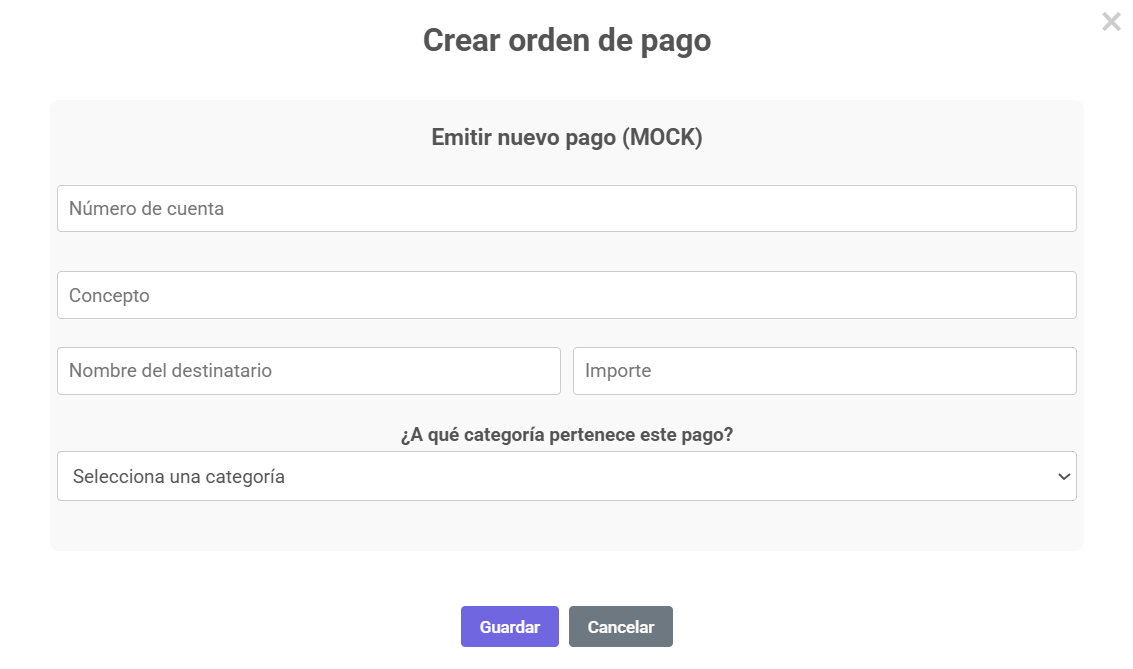
For each expense, you can create a payment order that lets you formalize expenses. To do so, you will need to include the following information: