Adding videos to the event
Adding videos from YouTube is easy in Symposium. Click Tools > Videos. Once there, click the add video button, paste the link to the video and give it a title.
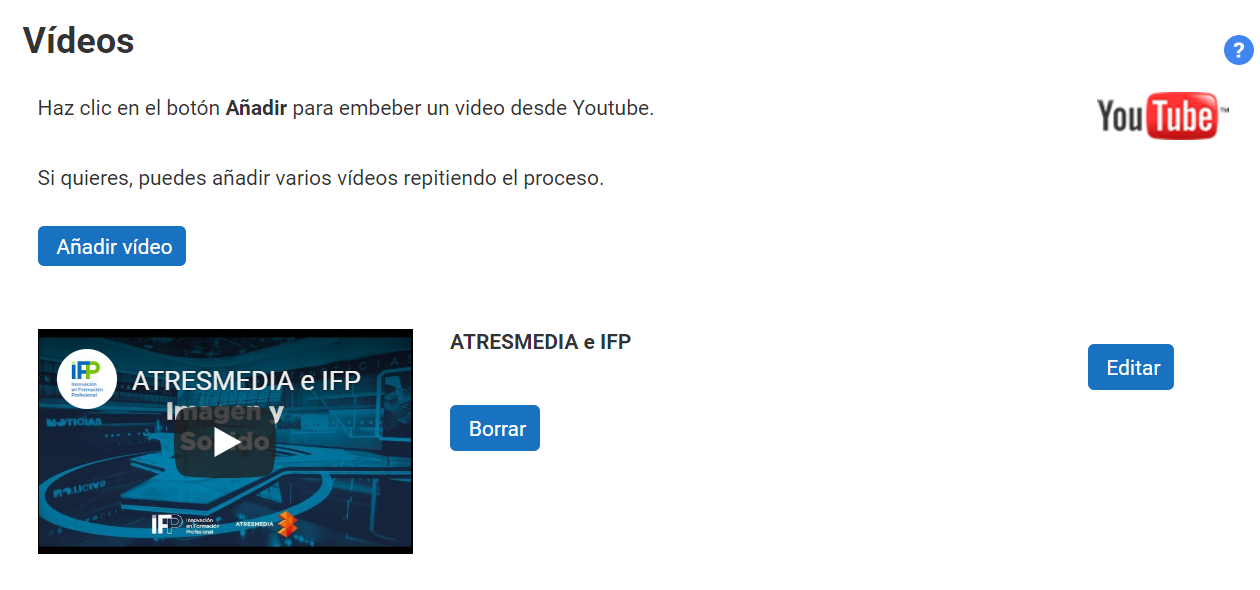
From here you can also edit or delete previous videos, using the corresponding buttons in the list.
Last updated on