Adding news to the event
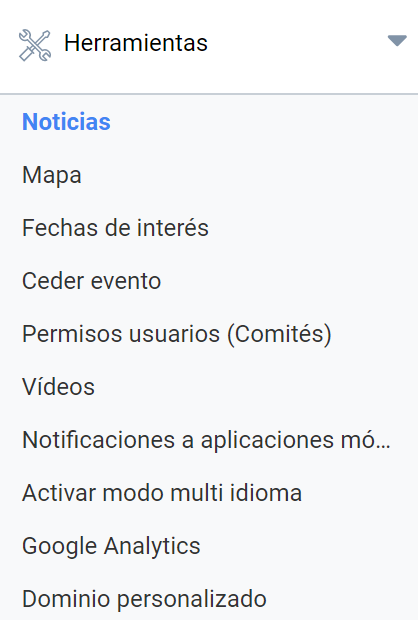
The Tools > News menu lets you publish news in an Event, making it easier for users to keep up to date with what is new, since they can subscribe to the news through an RSS feed.
In addition, news items accept attached files, which makes it easier to send and communicate new material to attendees.
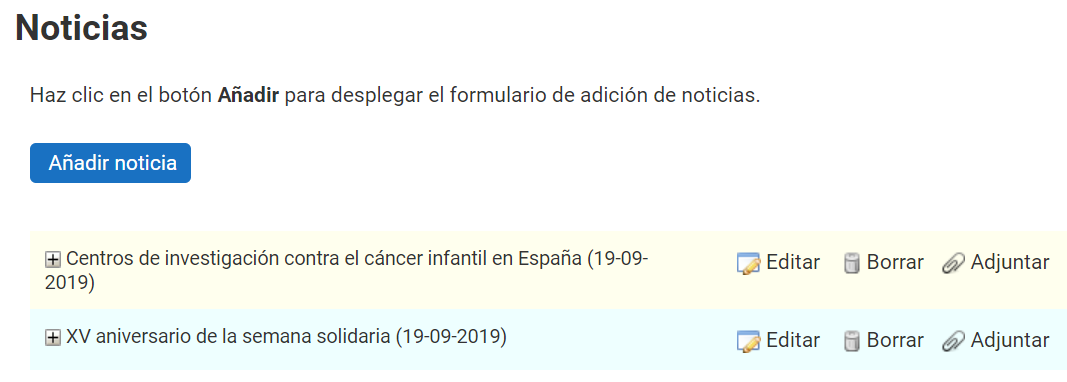
The Add new button opens the creation form, with a field for the title and another for the body of the news item with a text editor. Once the news item has been created and saved, files can be attached to it. To do so, click the “Attach” button in the news list. There are also buttons to edit or even delete the news item.
Last updated on