Event videoconference reports
Check the information about the webinars held in your event and download reports with the most relevant information about the rooms and the attendees.
In the Content > Schedule / Videoconferences menu you will find a list with the information about the webinar rooms you have held.
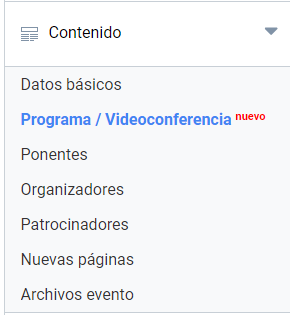
List of webinars held
The list shows, in order, all the webinars that have been held in the event. These reports will only be available to:
- the event owner
- members of the Administrator committee.
Users who have permission and request webinars will only be able to see the report of the webinar they requested.
Report contents
The information shown at the first level is:
- Webinar title
- Total duration of the room in minutes
- Total number of participants (host and panelists included)
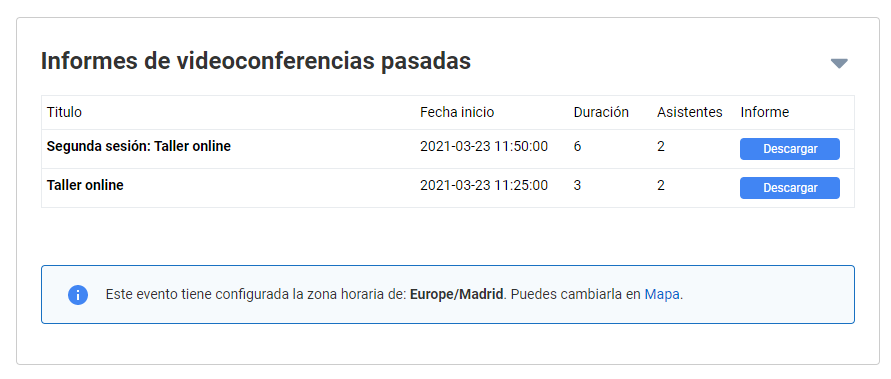
Report
In addition to the information offered at the first level in the list of webinars, the report contains more data of interest. It is a downloadable Excel file organized in two tabs: Webinar summary and Attendees.
Webinar summary
- Event title
- Webinar title
- Total duration of the room in minutes
- Total number of attendees, counting the host and panelists
Attendees
- Email entered by the attendee to join the room
- Time in minutes the user stayed in the room
- Name entered by the user to join the webinar
- Number of times the attendee connected to the room
- Date and time of the connections