Custom domain
By default, all Events in Symposium have a page with an address like: http://institución.symposium.events, where “institución” is the generic name of the institution that has contracted Symposium. The institution may have its own domain and you may want to use a specific web address for the Event. This improves customization.
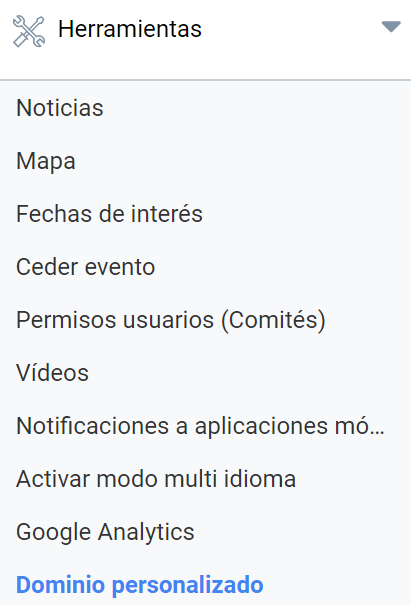
In the Tools > Custom domain menu you can enter the address you have for the Event, which you must have registered beforehand.
Type the Event address into the text box and click Save. For it to work, you must configure the DNS Zone in your domain manager as follows:
| domain.tpl | A | 63.32.241.141 |
| www.domain.tpl | CNAME | domain.tpl |
Replace domain.tpl with the domain you have contracted.
Last updated on