Transferring the event
Sometimes it is necessary to transfer ownership of an Event so that another person takes charge of managing it. This feature is found in Tools > Transfer event.
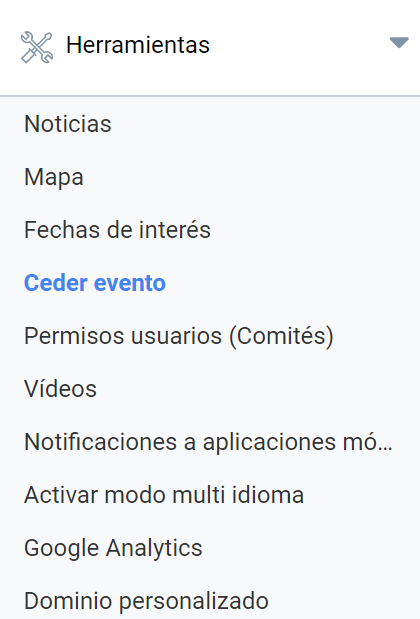
To transfer it, type the email address of the user who is going to take charge of the Event.
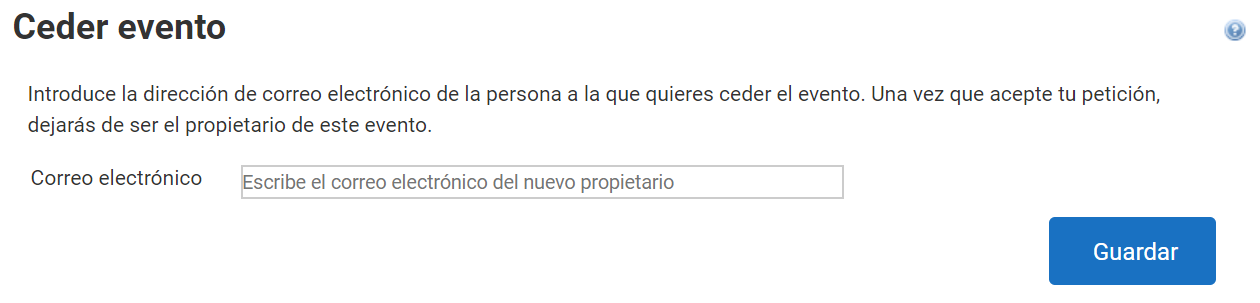
Clicking “Save” sends an email to that user informing them of the transfer. As soon as the recipient accepts the transfer, the Event will become theirs and will no longer appear in the “Organizer panel” of its previous owner.
Last updated on