Publish with Editum
Symposium by Emagister lets event organizers use the Editum tool, the portal provided by the Publications Service of the University of Murcia, to request the publication of the proceedings.
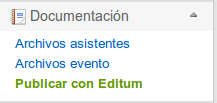
To use Editum, click “Publish with Editum”, available in the “Documentation” section of the Organizer Panel.
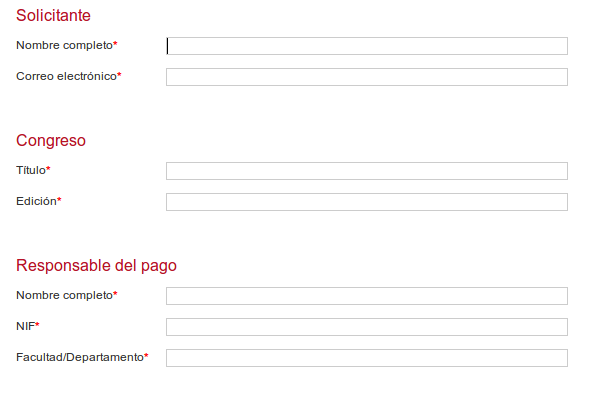
Filling in the request data
In this section, as the applicant, you must fill in the data required to submit the proceedings publication request, taking into account the fields marked as mandatory with an asterisk. To speed up the process, the Full name and Email fields are filled in automatically with your user data. Likewise, the conference title is also filled in automatically with the name of the event for which you are making the request.
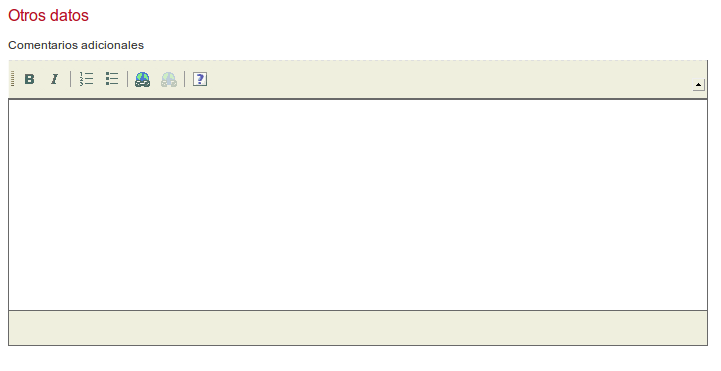
Including additional data
If you consider that you should request additional information, or wish to do so, you can use the rich text editor in the Other data section to include all the information you consider necessary to attach to the request.
After completing the request, click the Send button to save the changes and submit it.