Event files
This section lets you publish files specific to the Event that visitors can download. It is a list of documents that can usually be regarded either as Documents or as Notices.
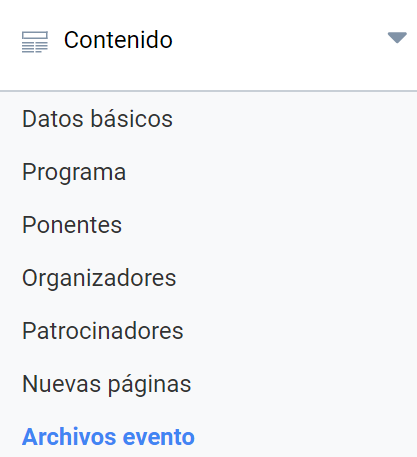
Website visitors will be able to access this section from the “Documentation” header menu.
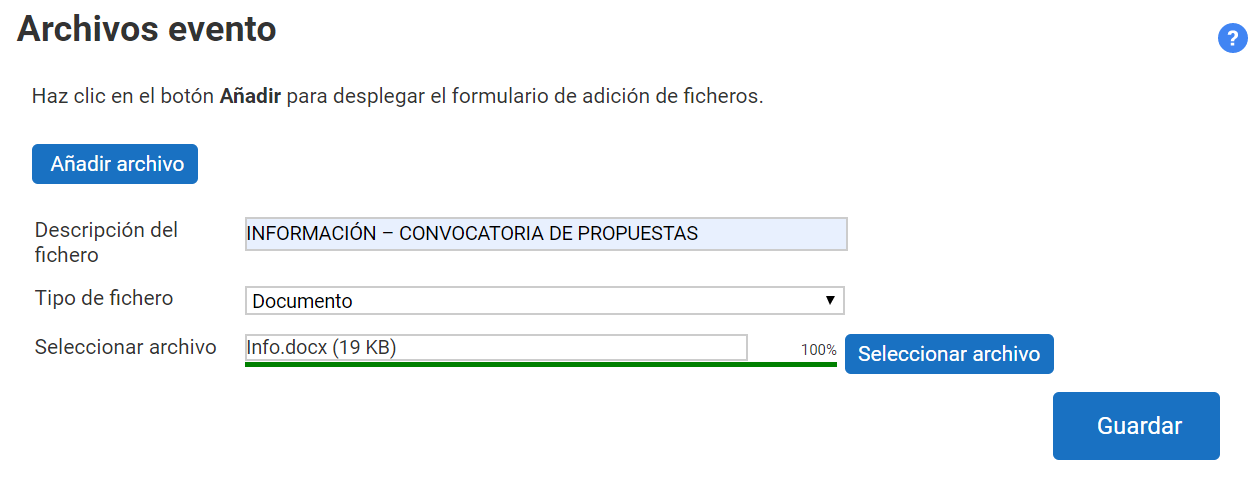
To upload a file, click “Add file” and type a description in the menu that opens. Select the file type (Document or Notice) and locate the file on your computer. The maximum size allowed for uploading a file is 100mb. Depending on your network speed and the size of the file, you will have to wait a few seconds until the progress bar completes. Once it is complete, you can click “Save” to upload the file to the event.
Last updated on