Sell products
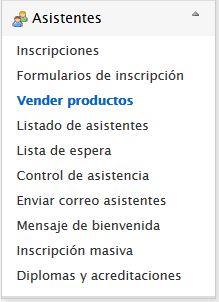
When creating an Event with attendance management, the organization may want to add value by selling products related to the activities. Symposium supports this functionality both for publishing products and for the financial management of payments. The tool is located in Attendees > Sell products.
Products for sale are shown to visitors of the Event website during the Registration process. These products can be of any kind, such as a record, Event merchandising, a dinner, or you can even use this feature to organize paid activities within the Event.
Sell products panel
The panel is organized in two areas. First, it shows the list of Products that are or have been on sale for the Event, if any. Initially, they are listed in the order in which the Products were created. You can change how this list is displayed by ticking the Show products grouped by categories checkbox, which may be advisable when the list contains many items.
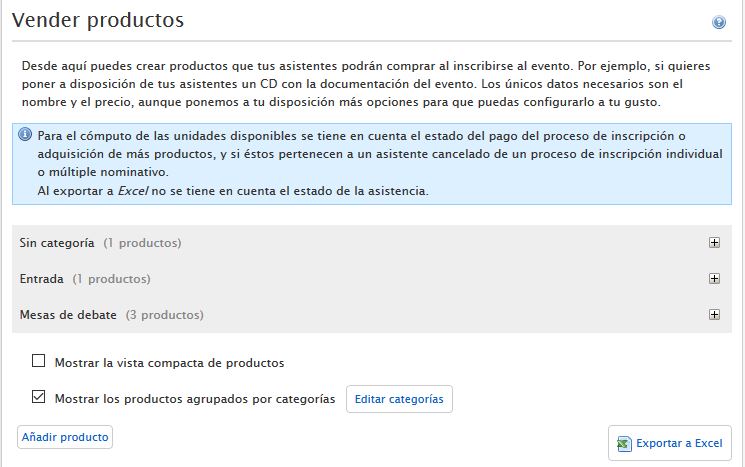
You can export the list of Products that have been sold by clicking the “Export to Excel” button.
Products can only be removed from the list if no unit has been sold. Once at least one unit has been sold, the Product cannot be deleted, to avoid data inconsistencies. It can only be deactivated so that it does not appear among the available Products.
Product categories
Next to the option to show the list grouped by Categories there is the Edit categories button. Clicking it expands a small form with these controls:

- Product categories, which has two functions - New category: type the name in the next box and click Save category - List of existing categories: choose one to rename it or delete it with the corresponding buttons
- Category name: lets you type the name of a new Category or change the name of an existing one chosen from the previous list
- Cancel, Remove and Save category buttons.
Adding a Product
The second part of the panel contains the Add product button; clicking it expands a form with the data needed to register new Products. The following are required:
- Product name (required)
- An image (optional)
- Description: a more or less extensive text (optional)
- Category: choose from the drop-down list a Category created beforehand. If there are none, you can choose “Without category”
- Units in stock (optional)
- Maximum per registration: (optional) maximum number of units of the Product an attendee can buy
- Available until: (optional) a date on which the Product will no longer be on sale
- Price: (required) if the Product is free, enter a zero
- Applicable VAT
- Currency: this field is locked. If the Event is going to accept a currency other than the one shown, you need to consult the website Administrator and Symposium Support
In multi-language Events, Products are replicated in all versions of the website, although the texts will need to be translated and adapted one by one in each language version.
What Attendees see
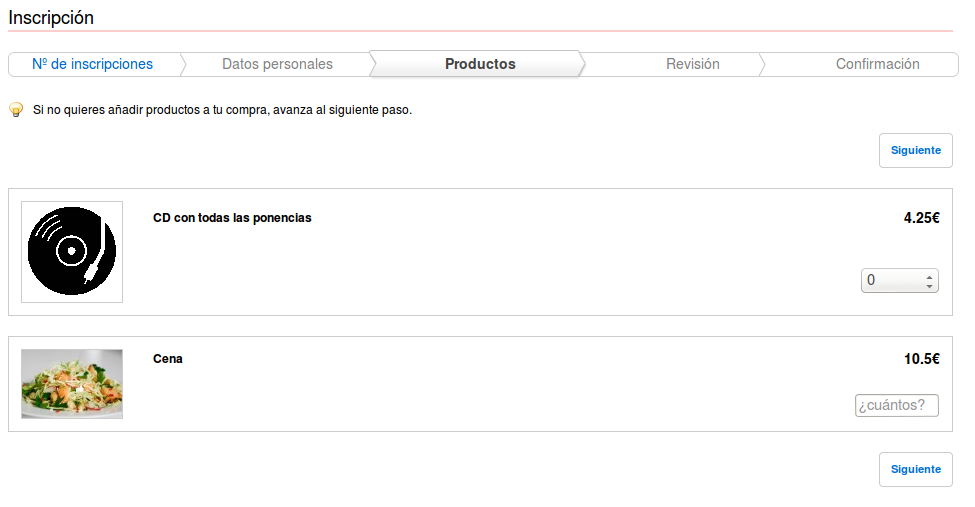
During the registration process, attendees will see the list of products you have configured and will be able to purchase one or more, or skip this step.
To put Products on sale, at least one active Payment method is required.
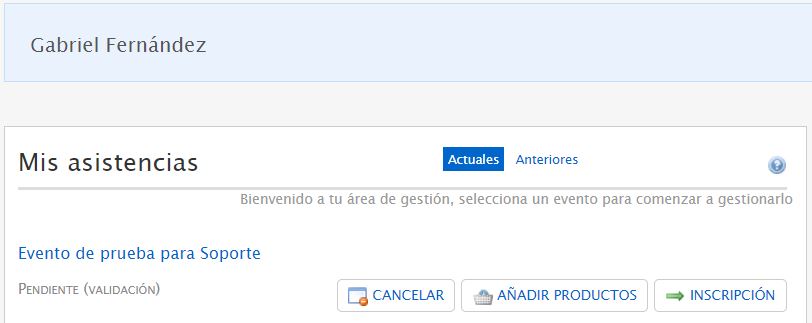
Products can be added to a registration after it has been made, from the My attendings panel that every registered user can see in their personal profile, or by using the link provided for this purpose that is sent with the registration receipt.