Welcome message
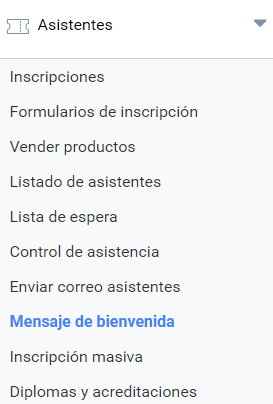
The Organizer of an Event can set up the application to send a custom welcome message to the attendees who have registered for that Event. This feature is optional and, if used, the text is included in the confirmation message that Symposium already sends by default to registered attendees. The tool is located in the Attendees > Welcome message menu.
In this panel you can enable the feature by ticking a checkbox. Further down there is a text box with extensive formatting options to customize the message you want to send.
Keep in mind that the text you write will be included in the email with generic text that Symposium sends to attendees who purchase a ticket.
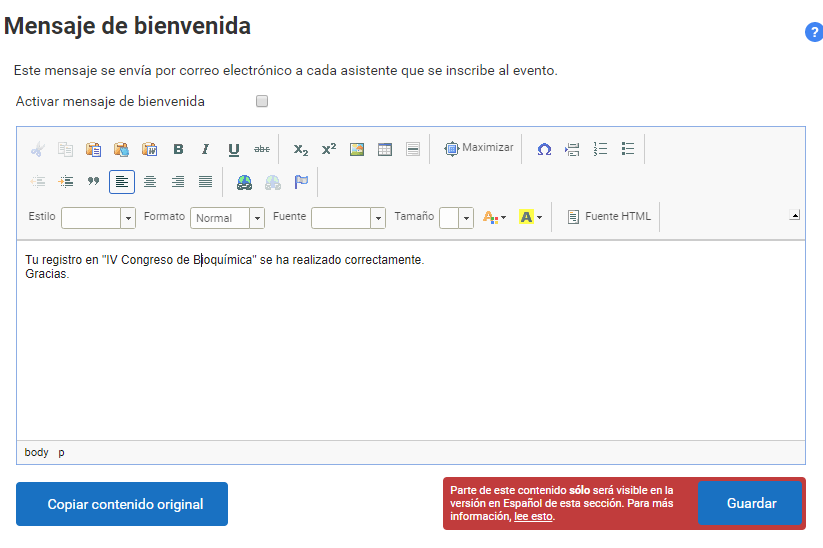
In multi-language Events, this feature must be enabled and the content saved separately and individually for each language version of the website. To make this easier, each language has a Copy original content button, which copies into the text box the content of the message in the Event’s main language. If it is not translated and adapted, the same message can be sent to all registered attendees.
If the translation is not done in the other languages, no custom text will be sent to attendees who register in those languages.