Project templates
Out of the box, Symposium provides a standard template for crowdfunding project websites. Platform administrators can design new templates based on it and make them available to project authors.
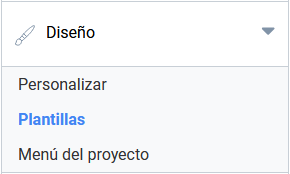
To access the template selection menu, click “Templates”, available in the “Design” section of the organizer panel.
Applying a template to the project
By default there is no need to do anything here, since your project will already have the platform’s standard template assigned. You can only change it if the administrators have designed new templates to choose from.
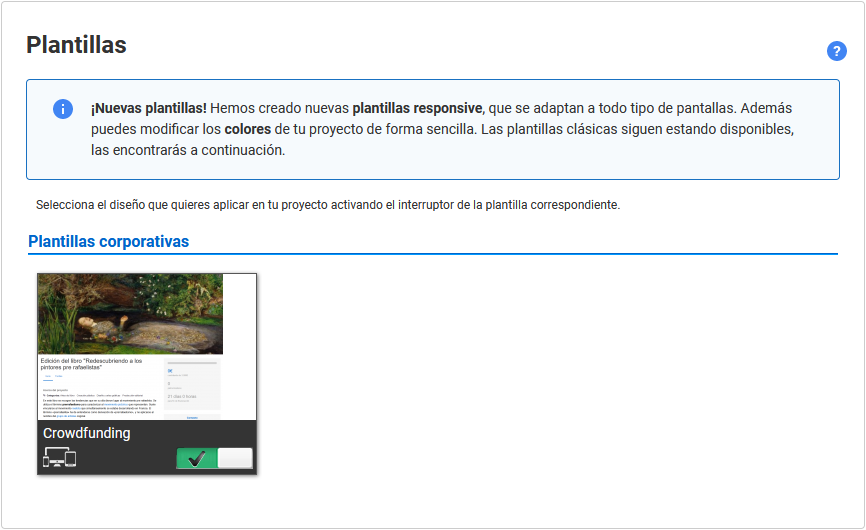
The green switch shows the template that is currently applied. If other templates are available, their switches will be grey. Clicking another switch activates a different template for your project. The process takes a few seconds to complete.
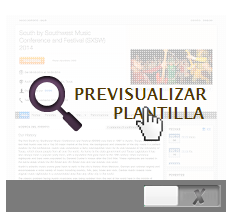
Preview template
Hover over a template to enable a link that, when clicked, shows a preview of an event with that template applied. Use this option to see the details of a template better before deciding whether you want to apply it.