Project email
Symposium provides crowdfunding project authors with a tool for promotion by email. For this, the author has a basic email template designed by Symposium.
At the discretion of the platform administrators, authors may also have custom project summary templates. The original template is laid out to be compatible with most email clients. For custom templates, compatibility depends on the designer of each one.
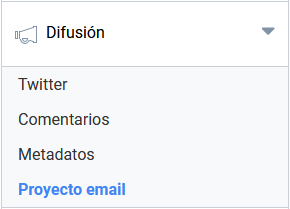
Create summary
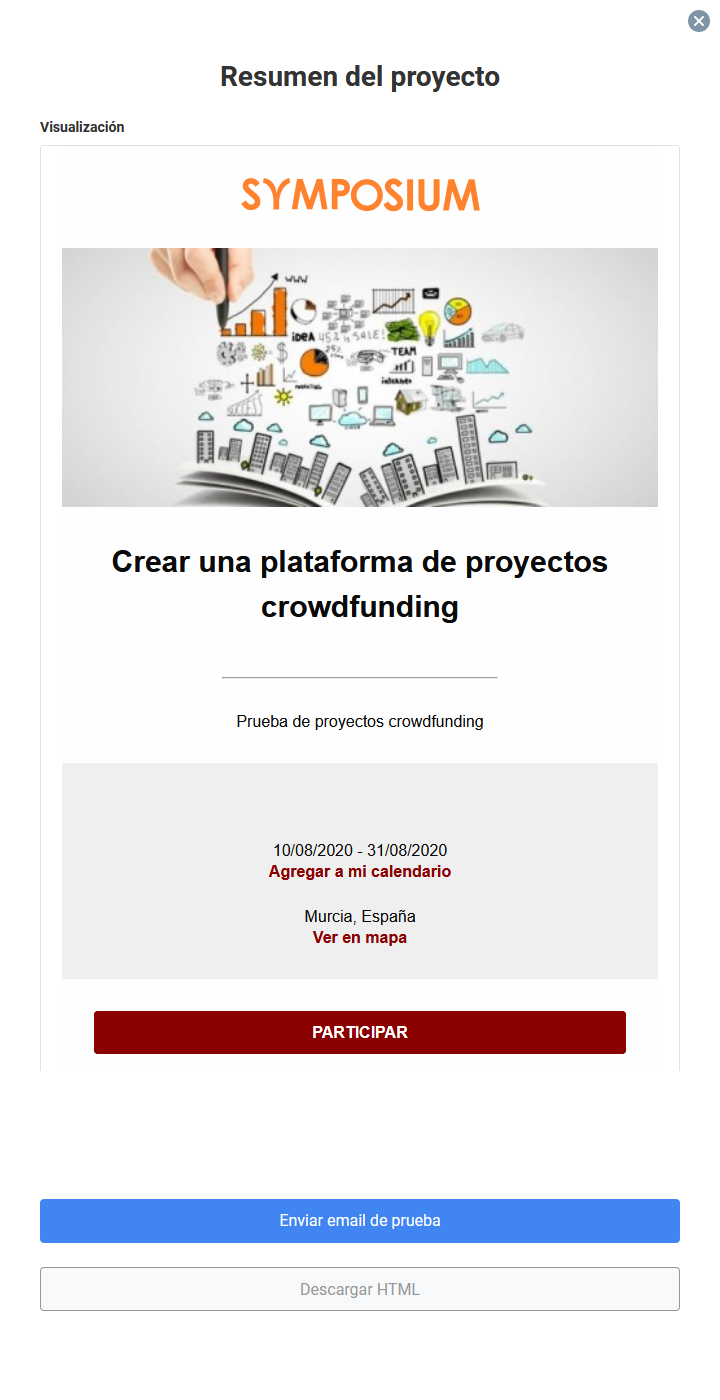
The feature starts with the Create summary button. When you click it, Symposium automatically creates a view of the project using the generic template. It is shown in a pop-up panel and contains the basic elements of the project:
- Institution logo
- Main project image
- Title
- Short text from the “Description” field of the Basic details menu
- A box with the opening and closing dates - option to link the dates to a calendar application - option to show the location in a Google Maps session
- The full block of the “Description” field, which is what appears on the home page of the project
- A box with contact details
- A button to send a test of the message by email
- A button to download an HTML file with the content of this view
Send test email
Shows a new pop-up panel where you can enter a destination email address to send the preview to. To do so, you must tick the checkbox confirming that you have the recipient’s permission to send it. It can only be sent to one address, since it is a test. Symposium does not provide a bulk email service.
Download HTML
Immediately downloads a plain text file with the .html extension containing the content, layout and styles of the preview. The author can send it to recipients using any bulk email application, such as Mailchimp or similar.
This HTML document is a final product and is not stored in Symposium. It can be generated again as many times as necessary.