Configure sponsorships
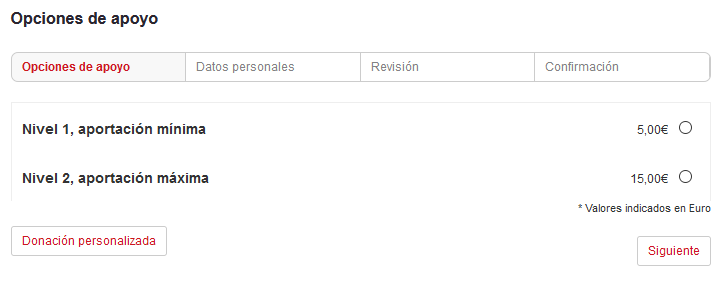
Symposium lets you manage the ways in which users can contribute to the project, the period for doing so and even, if needed, the maximum number of donations accepted. Participation options are designed in the Sponsorships > Configure sponsorships menu.
Registration type
In this block you can indicate whether the project will have a public section with the list of donors. In any case, if you enable it, donors can always decide whether or not they want to appear in it.
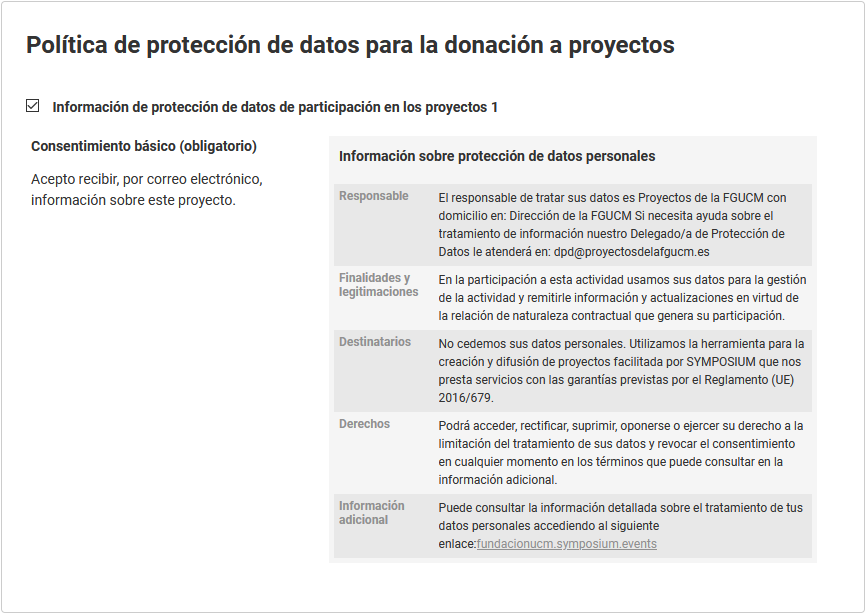
Processing of personal data
You will need to select one of the data protection templates previously created by the platform administrator.
Project capacity
This block is entirely optional, and we have named it this way so that its purpose is understood. You can decide whether there is a maximum number of donations you accept. In most cases you will not want to set a limit on the number of donations you receive.
Participation period
In this block you can modify the period during which donations will be accepted for this project. This can also be adjusted in the Content > Basic details menu.
Bear in mind that the dates and times you enter must be local to the location you specified for the project. Symposium supports different time zones.
Participation options
Here you can manage everything related to the different participation levels you set for your project. At the beginning, a notice box shows the payment methods that are available; this is a platform administration setting. If you need another payment method to be accepted, please contact the platform administrator.
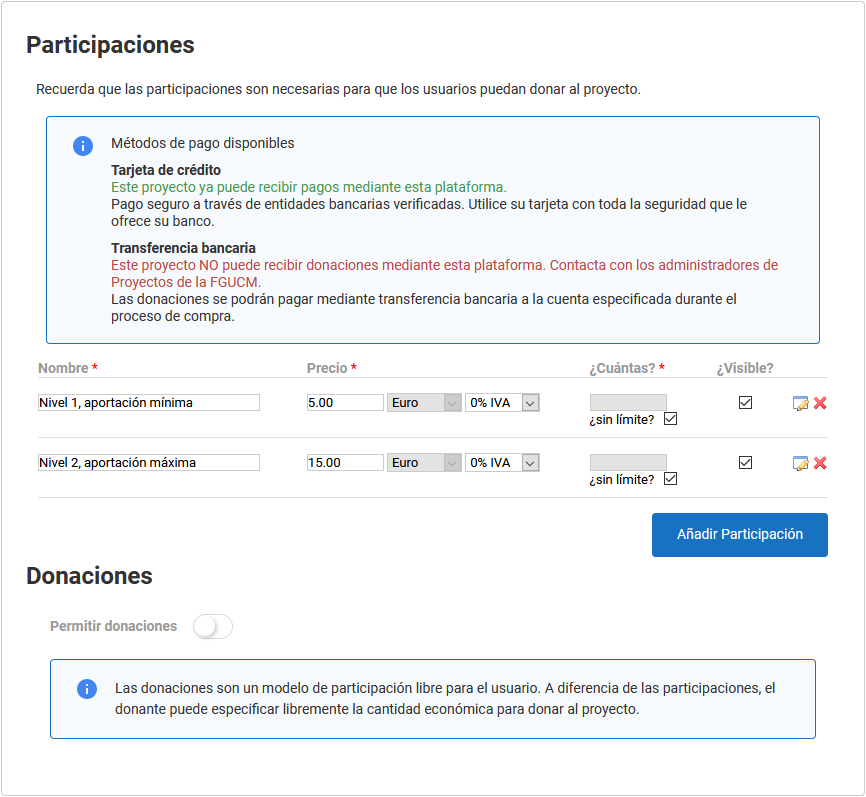
You can configure several participation levels, each with different features to suit your needs as project author.
For each participation level, you can configure the following features:
- Name;
- Amount of the financial contribution;
- Whether there is a maximum number of contributions at that level;
- Whether that contribution level is visible or not;
- Specific date and time for the availability of that participation level, always within the general project period;
- A description of what that participation level consists of and, if you wish, what benefit it gives the donor.
Once you have finished configuring each participation level, click “Save”.
Remember that to receive payments on the platform, the site administrator must have enabled and assigned a payment receiver to your project. If you create participation levels before this assignment has taken place, they will not be visible to the public.
Free donations
Unlike participation levels, Symposium lets you enable a free donation mechanism for the project. That is, a donor can make a contribution without being limited to the different levels you have configured, and also regardless of any benefits those levels may give. Strictly speaking, these would be donations.
For free donations there is no need to set a price or amount, since it is the donor who decides how much they want to contribute altruistically.
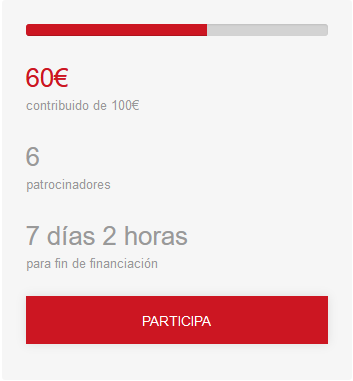
On the project website, while it is being visited during the donation period, the PARTICIPATE button will always appear. The next screen will offer the participation levels and, if enabled, the option to make a custom donation.