Send email to donors
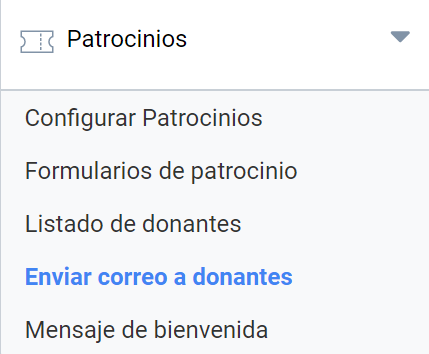
Sometimes the author of a project needs to send a message to a participant, or send an announcement to all of them. Finding each person’s address is usually a tedious, time-consuming task, but since that information is already in Symposium, you can use this tool in the Sponsorships > Send email to donors menu.
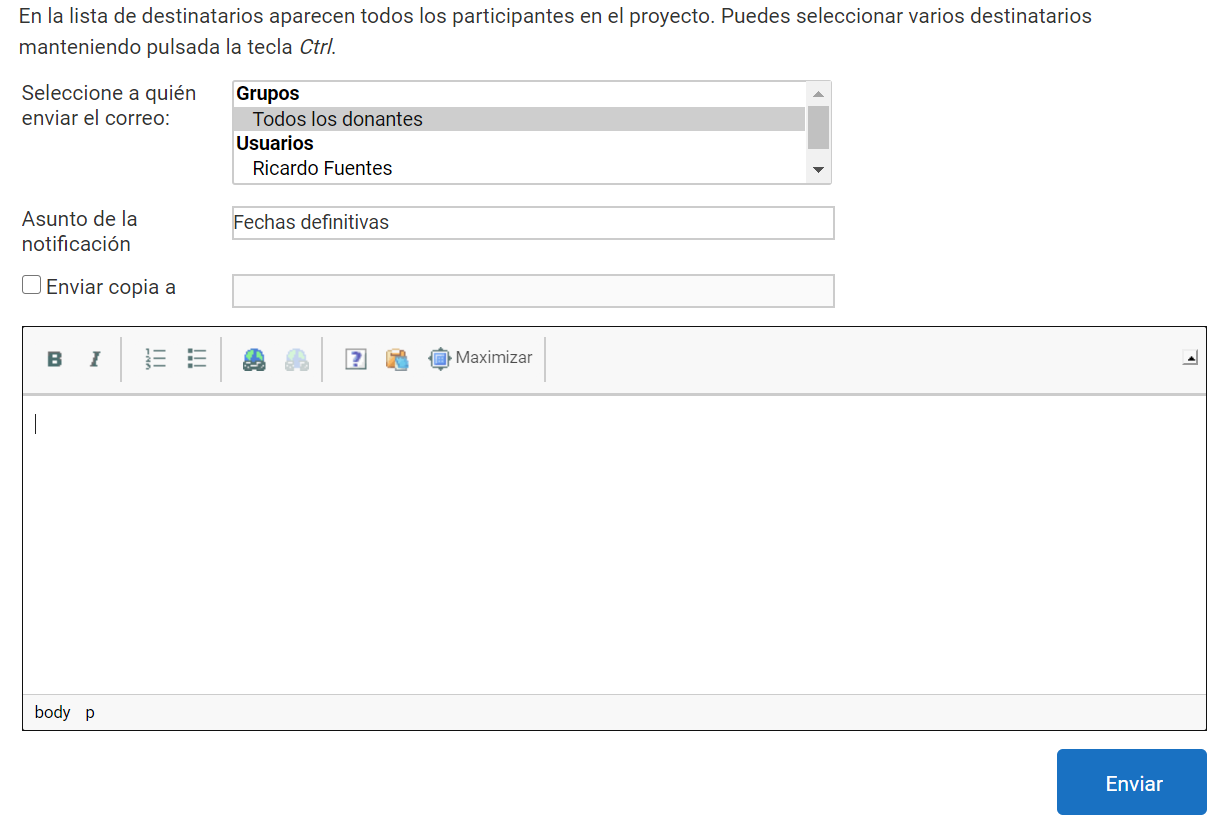
The panel is an email wizard with the usual basic controls of this kind of application:
- Recipient selector
- Subject of the notification
- Recipients who will receive a copy
- Body of the message to be sent
Recipient selector
A list of all the project’s donors is shown. You can select several of them or tick the “All donors” option to send an announcement to all of them.
Subject
A text box for the subject of the email to be sent.
Recipients who will receive a copy
A text box in which to type, by hand, the email addresses of the recipients you want to receive copies of the message. It is optional and is enabled by ticking a checkbox.
Body of the message
The text is written in a box that allows several simple formatting options. As it is an email, there is no defined maximum length.