Sponsors
A crowdfunding project may have general sponsors that you want to make known to donors. The content will be shown in a specific section of the project website, and a button for it will appear in the menu button bar.
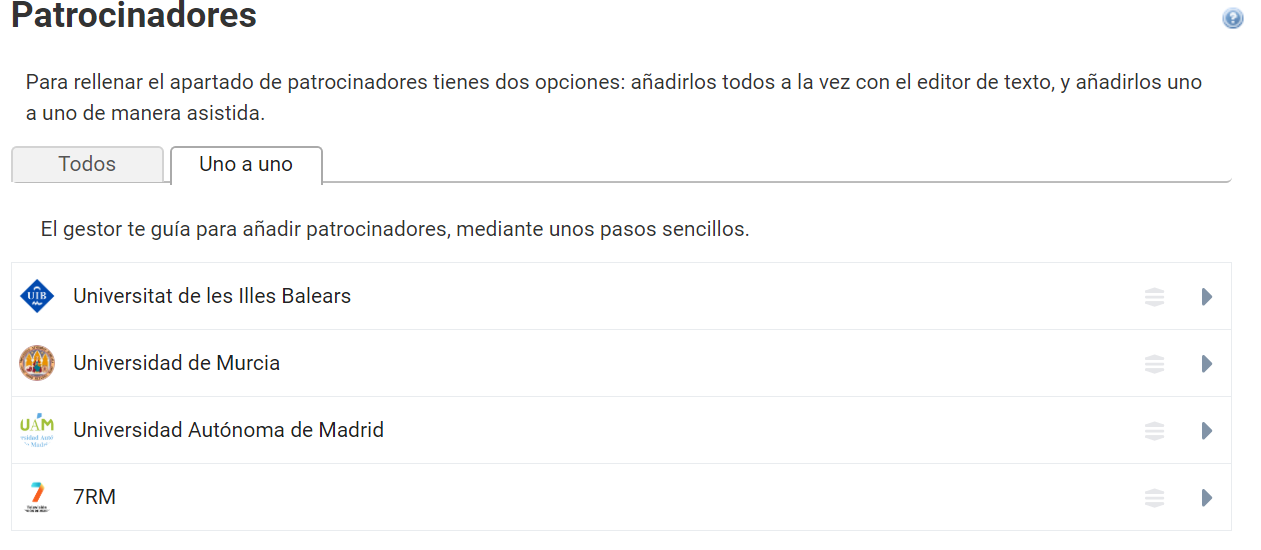
The content of this section can be defined with a text editor or with an individual list of sponsors. Both kinds of content are compatible: if both are filled in, the content of the All tab will appear first, followed by the content you have added with the One by one tool.
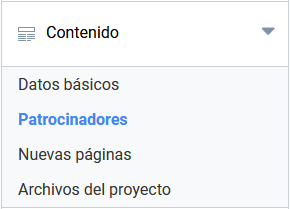
At Symposium we always recommend entering sponsors with the One by one method. This makes it easier to control how that content will look on the project website, and the tool also lets you define the order in which they will be shown.
On the other hand, at Symposium we consider it good practice to use the text editor of the All tab if what you want is to write a short, rather general introductory text with little formatting, to avoid it later not fitting in well with the general style of the page.
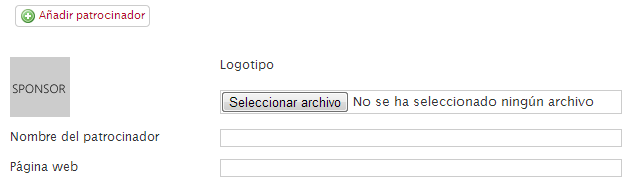
For a sponsor, you can show an image or a corporate logo, its name and a link to its website.
The Sponsors section will appear on the project website only if some content has been entered.
Ordering sponsors
You can set the order of priority in which you want the sponsors to appear. You can drag and drop any of the items to change the order as you see fit.