New pages
Symposium lets you add new pages with useful data and information about any aspect of the project. You can use this feature to add information to your website that does not fit into the standard Symposium sections.
For example, you could create new pages to add detailed information about yourself, the team you belong to (if any), what motivates or drives you, the context in which you decided to start the project, or any other information you want to give.
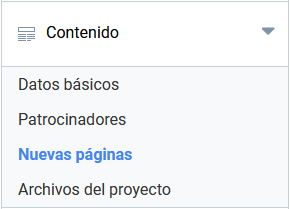
To access the menu for creating new pages, click “New pages”, available in the “Content” section of the organizer panel.
Creating a new page
In the New pages menu, click the “Add page” button to open the form and start creating a new page for your event.
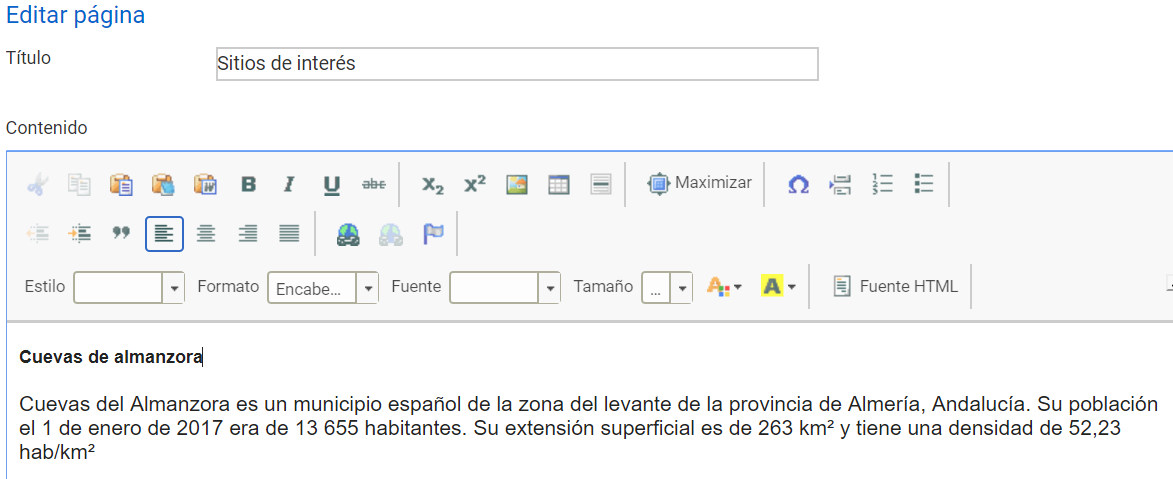
Write a title for the page and add content using the rich text editor. Do not forget to click the “Save” button.
Modifying and deleting a page
You can modify the content of the page using the “Edit” button to the right of the page title in the list of created pages.

The same editor you used to create the content opens. Remember to click the “Save” button when you have finished.
You can remove a page associated with the event using the “Delete” button.
Warning: deleting a page is an action that cannot be undone. Content you have deleted cannot be recovered.