Event organizers
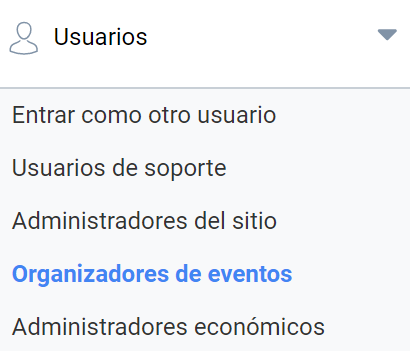
This section is in the Administration panel, in the Users menu:
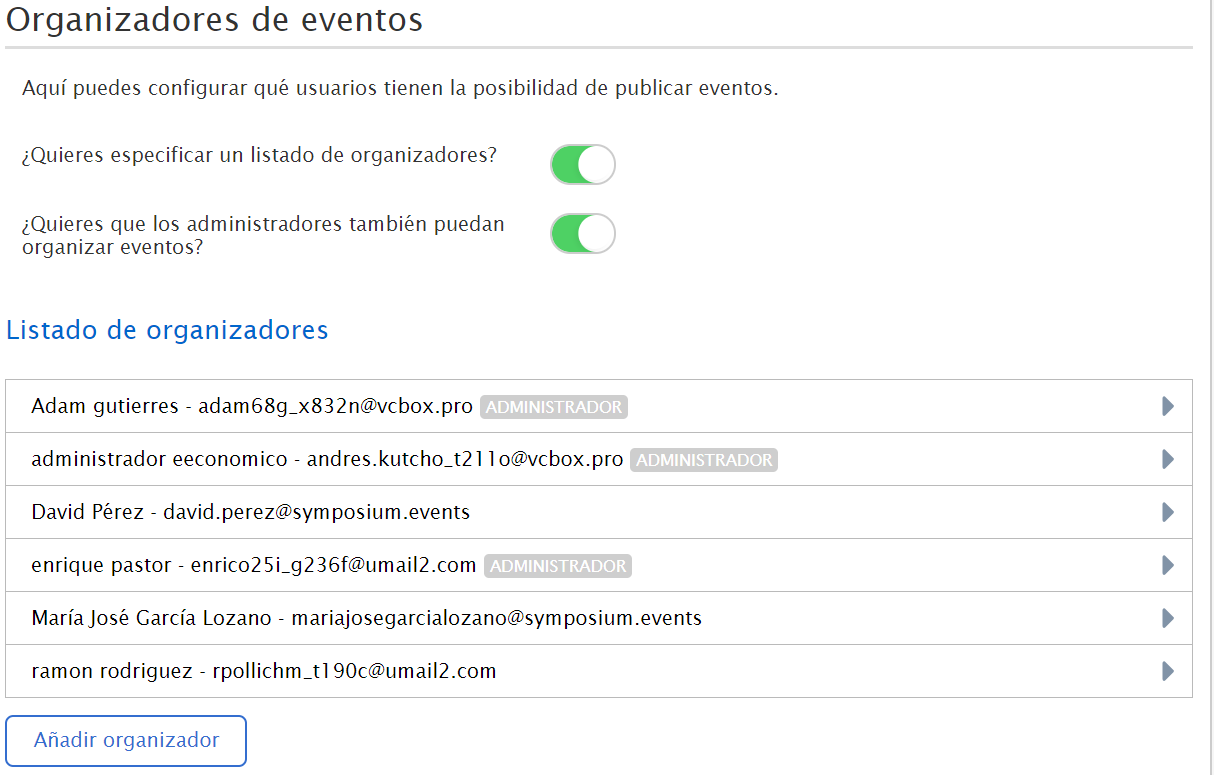
As a platform administrator, you can add Organizer users who have permission to create events, and assign them the frontpages where they can publish them. Likewise, you can restrict or add more frontpages, and remove a user from the list of Organizers.
From this same section you can use a specific list of organizers, and also add all site administrators as event organizers by enabling the second button.
Adding an Event organizer
You can add a user as an Organizer so that they can create an unlimited number of events. To do so, click “Add organizer”.
Important: before inviting a user you must make sure that a privacy policy has been configured for the platform. Otherwise you will not be able to add any user.
If the user has not registered on the platform before, the system will tell you with a notice, so that you can send them an invitation with a custom text, inviting this user to complete their registration and thus accept the Organizer role. On the other hand, if the user was already registered, they will receive an email with a link to their private panel, where a new “Organizer panel” tab will be enabled with the option to create events.
Assigning frontpages to organizers
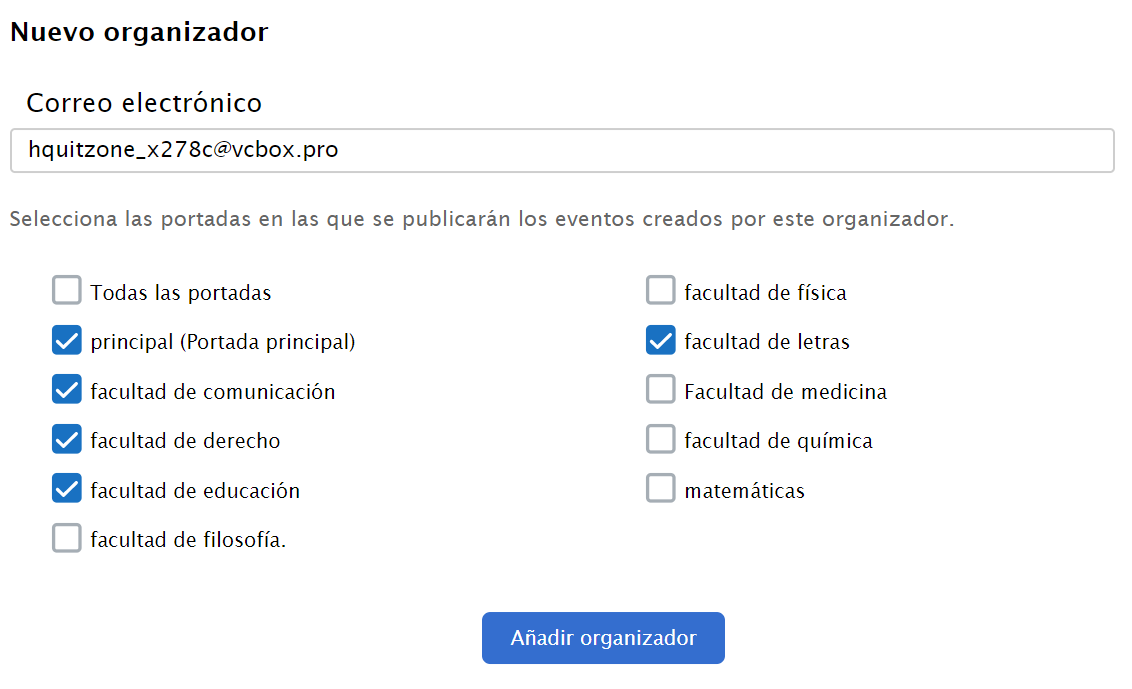
At a minimum, you must authorize the new organizer to publish their events on at least one of the frontpages available in your instance.
Enter the email address of the user to whom you are going to give event editing permissions and tick the frontpage(s) where they will be allowed to publish. Unlike Organizers, platform Administrator users can create and publish their events on any of the available frontpages.