Helpdesk users
This section is in the Users menu of the Administration panel.
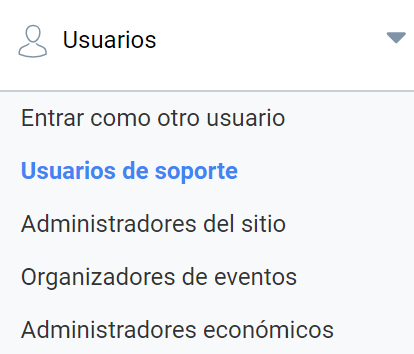
In this panel you can add Helpdesk users who are in charge of assisting other users of the platform, and who can impersonate them when necessary. This role can only access the Administration panel to impersonate users; it does not have permission to access the other sections of the panel and can never impersonate a user with the Administrator role.
Adding a Helpdesk user
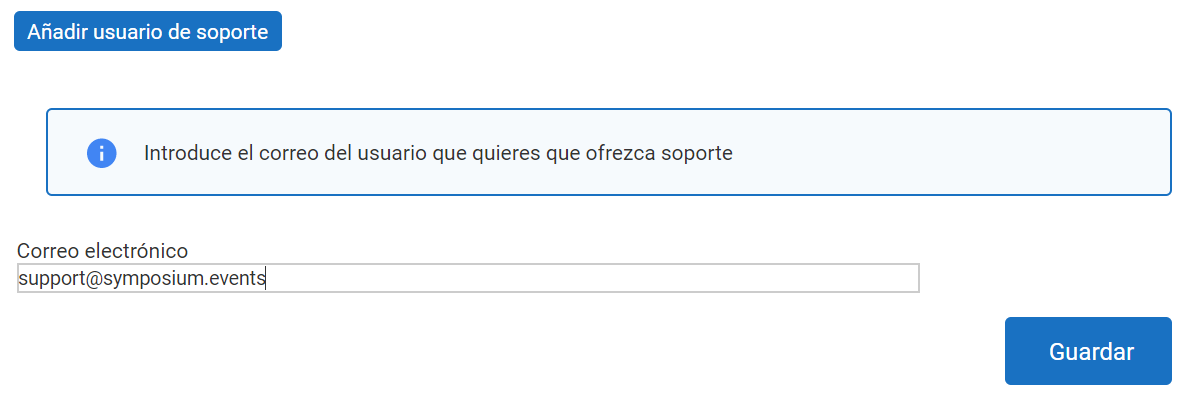
To add a Helpdesk user, enter their email address in the field provided. If the user is already registered on the platform, they will receive an invitation. If the user is not registered, you can send them an invitation to register and thus accept the Helpdesk user role.
You can deactivate a Helpdesk user at any time.
Last updated on