Log in as another user
This tool is used to give support to other users: you can impersonate any user registered on your institution’s portal to assist them if they need help editing their events or have any other question.
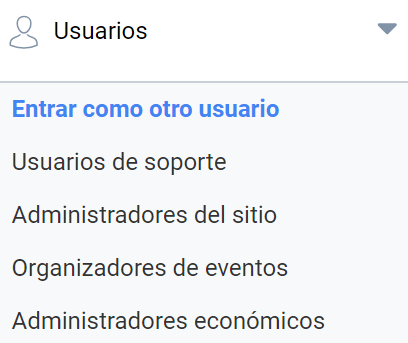
Go to the menu Users > Log in as another user:
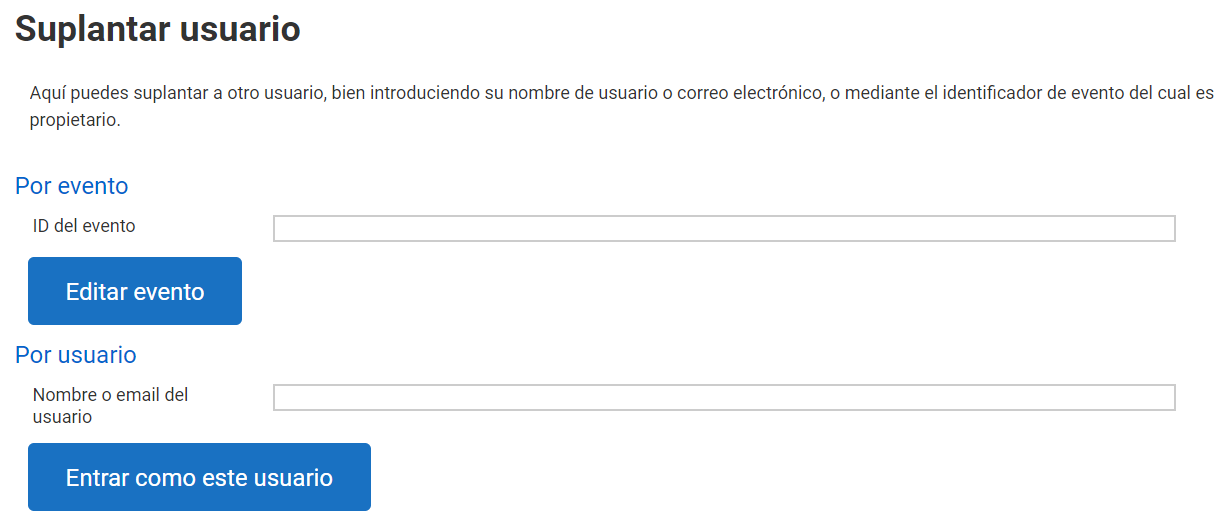
As an Administrator, you can impersonate a user in two ways:
- With the event ID: this way you will open the event for editing, but with the organizer account of the user who owns it.
- With the user’s name or email address: in this case you will not go directly to the event; instead you will access the private panel of the user, who may or may not be an event organizer.
Last updated on