Site administrators
As an Administrator user, in this section you can add or deactivate other Site administrators so that they have access to every section of the Administration panel.
Adding a new Administrator
Any user who already has the Administrator role on the platform can add another Administrator who shares the same permissions as the others.
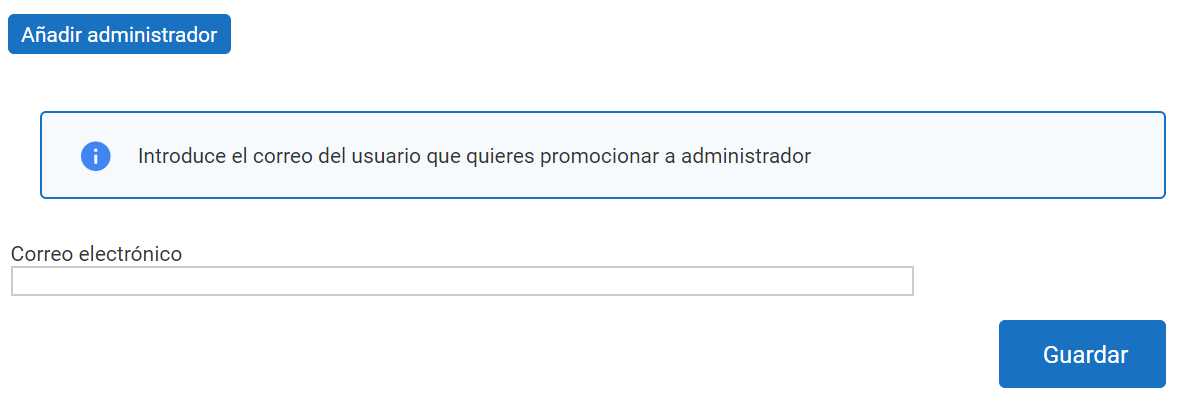
To add a new Administrator, enter their email address in the box:
If no user is found with that email address, the system will ask whether to send an email with the link to register on the platform as an Administrator.

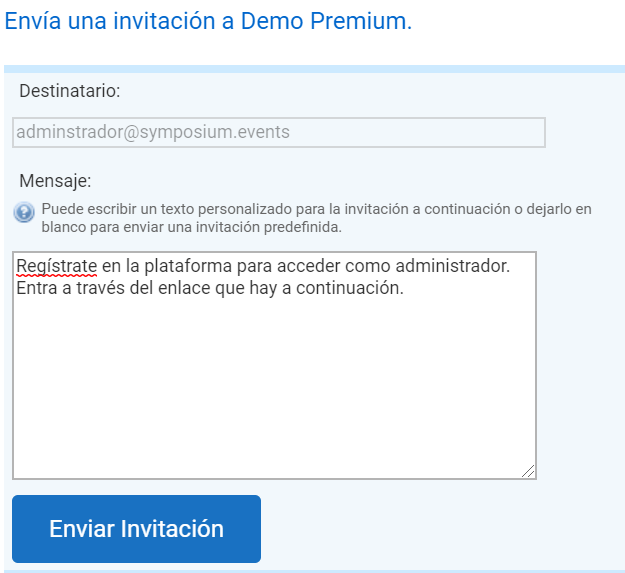
The email address can be any address, whether or not it belongs to the institution. Once the user who receives the email clicks the link to open the registration screen, they must register with the same email address that was used to send the invitation.
If the user registers on the platform afterwards, an invitation will be sent to them directly, notifying them of their new role as Site administrator.