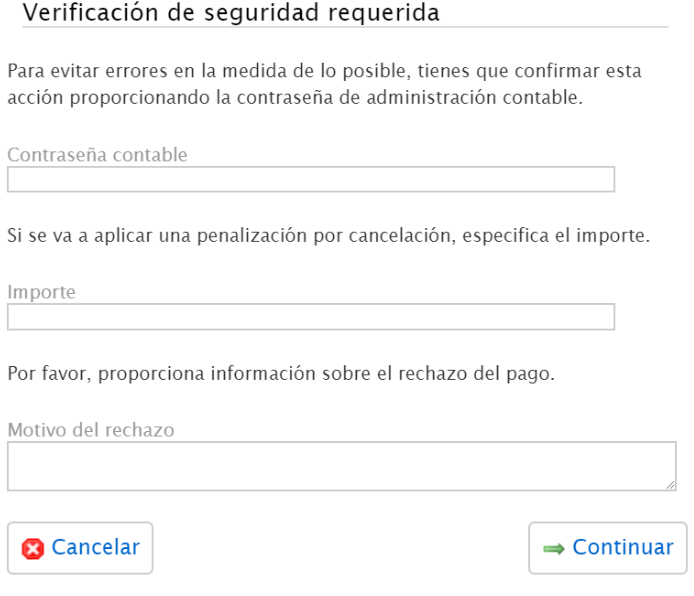
Password for payment validation
This password serves as an additional security measure and can be configured and changed by an Administrator from the Administration panel.
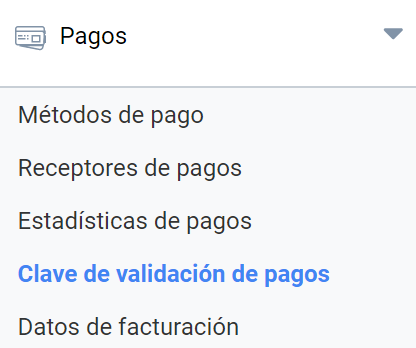
The system lets you add a password to limit the ability of Economic administrators to reject payments that are shown as confirmed. Since rejecting payments shown as confirmed can cause the accounts not to balance, you can restrict this possibility to a small group of economic administrators to minimize the chance of errors.
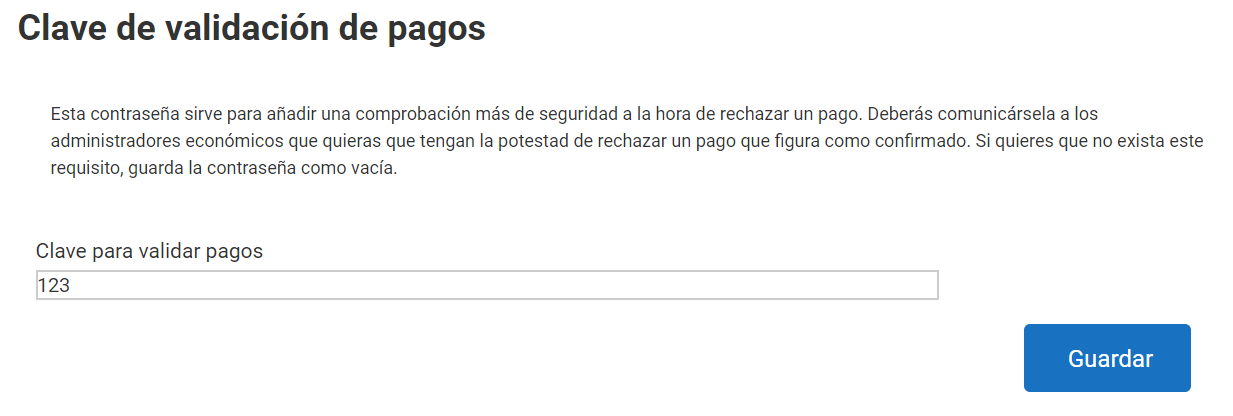
The form lets you set and change the password. The password is not visually hidden, to avoid having to change it if it is lost and then communicate it again to all economic administrators.
If you delete the password, the requirement is removed and any Economic administrator will be able to reject a payment shown as confirmed.
How and when it works
When the Economic administrator wants to reject a payment, Symposium will ask for the password in a field called Accounting password. If the password is correct, they will finally be able to reject the payment.