Events widget
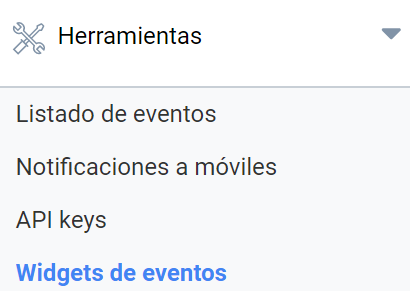
You can embed a list of events with their links in any website you manage by means of a custom widget. This gives your events wider exposure. You can create as many widgets as you need in Administration panel > Tools > Events widget:
You can create as many widgets as you need. Each one will show a list of events according to the criteria you specify.
To create a widget, click “Add item”:
- Choose a name for the widget
- Filter the events you want to show in the list by:
- The event category or categories you want to specify
- The event type or types
- Directory or directories
- Location or locations
- Front page or pages on which the events are published
- Select your widget’s design
- Color
- Height
- Width
- Number of events shown
- Finally, get the widget’s HTML code, which you can embed in any other web page.
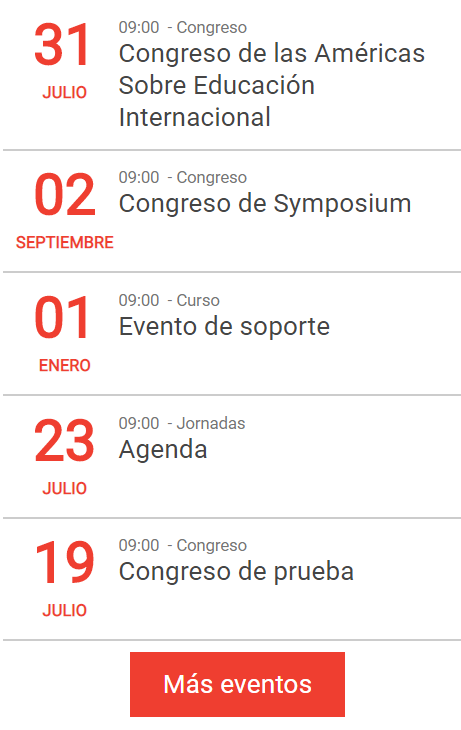
The result will look similar to this:
Last updated on