Portal news and highlights
The portal’s News section lets you list, add and manage the highlights panel that appears on the platform’s welcome screen, which shows the latest news items added, ordered from newest to oldest.
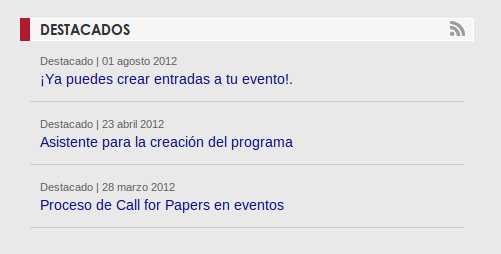
News is managed from the Administration panel, in the Content > News menu.
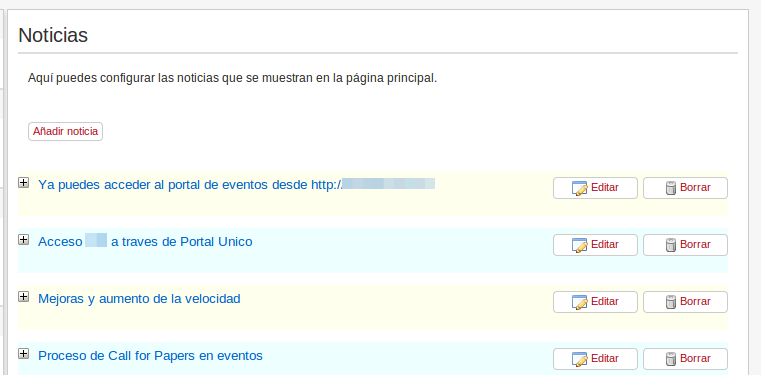
In the news panel management we have the list of news items, with the option to edit or delete them, as well as a button to add a new news item.
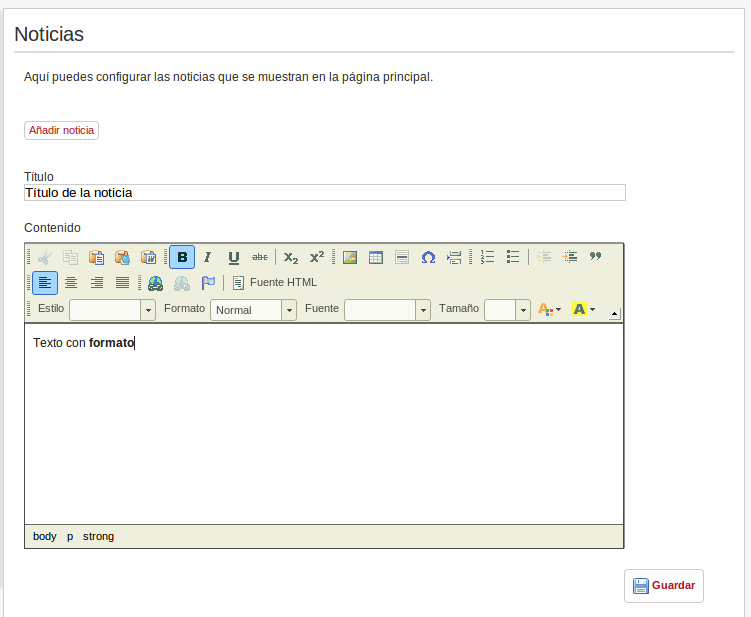
Clicking the Add new button expands the fields for entering the news item’s title and its body text. In the content of the news item or highlight we can insert formatted text using a Word-like editor, as well as images or other HTML elements.
Last updated on