News component
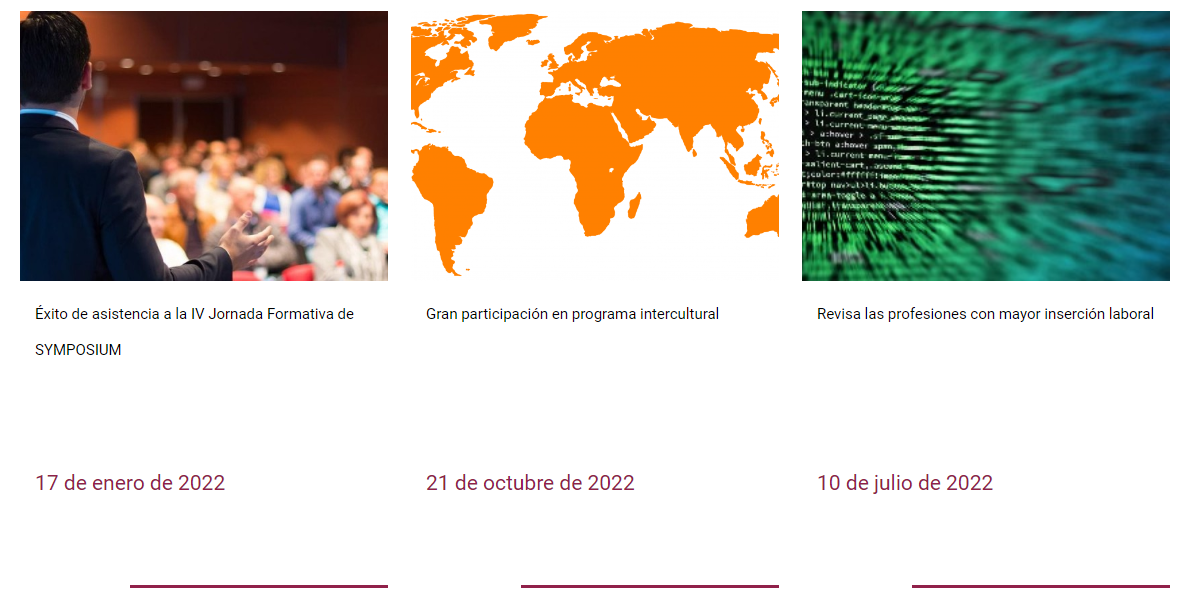
Just as in the Event component menu, here you can create custom widgets that you can embed in any websites you wish. The widget will contain cards with the image, title and date of the news items you choose, giving them wider exposure.
From the Administration panel> Tools> News component menu you can create as many components as you need: 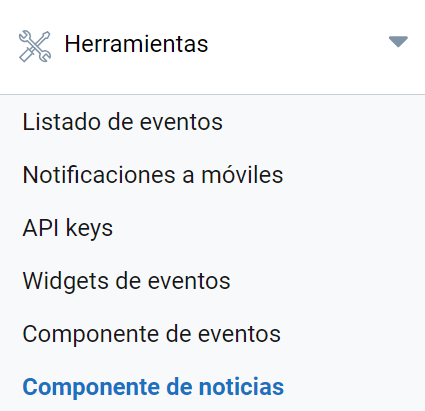 To create a widget, click Add item:
- Choose a name for the widget.
- Select the number of columns: two, three or four, depending on how many news cards you want to appear per row.
- Select the news items you want the widget to show and their order.
- Enter the domain or domains of the pages where the widget will be embedded. This ensures that it will not work on any other website. If you want it to work on any domain, which we do not recommend, simply leave the box blank.
- Finally, get the widget’s HTML code to embed in any other website.
The result will look similar to this:
Last updated on