Custom CSS styles
You will find this menu in the Administration panel, in the Design section:
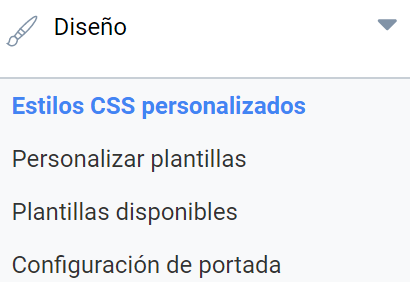
It lets you add a CSS style to the whole portal, either with the inline editor or by uploading the file.
The style you decide to add will override the default style. Here you can also configure the default style so that it is no longer displayed. Be careful, because if you untick this checkbox, the default style and the parts of the CSS style you have not defined will be displayed as plain HTML.
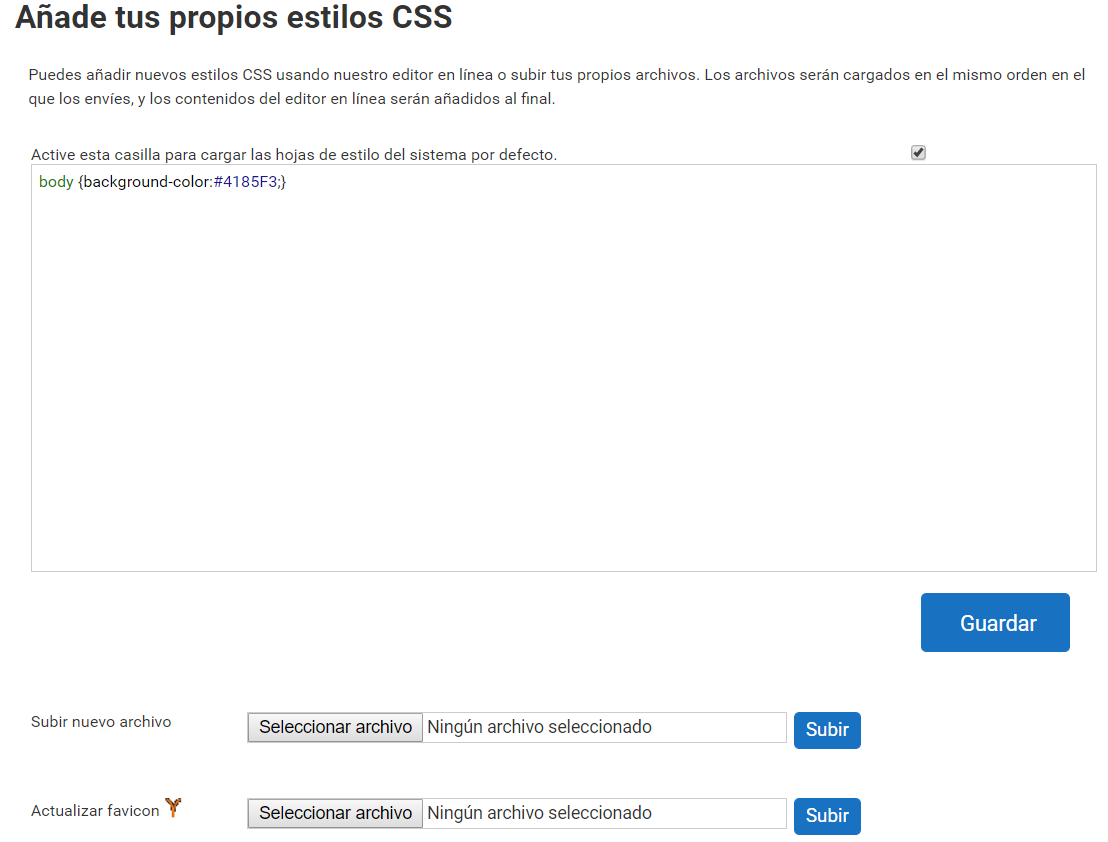
You can also customize the icon shown in the browser window so that it matches the institution’s corporate image. The image file must be in .ico format to be uploaded to the platform.
Last updated on