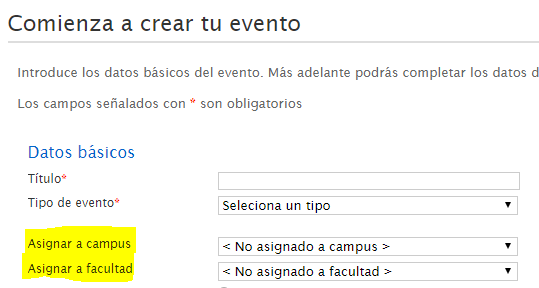
Configuring RSS by faculty
This tool is in the Administration panel, in the Configuration section
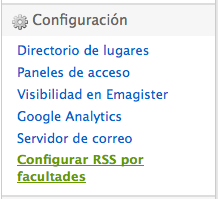
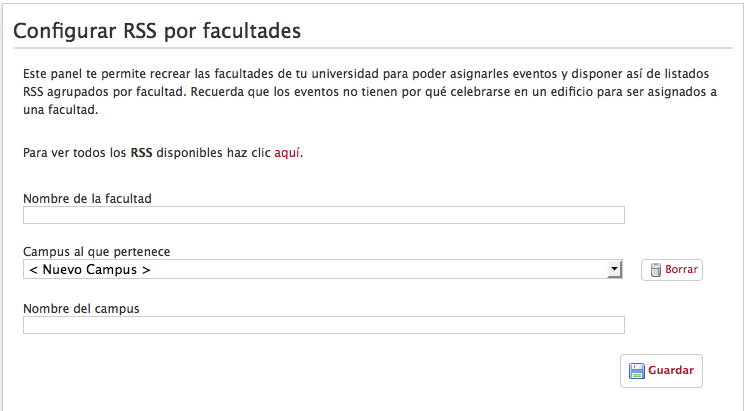
It lets you create a list of Faculties and Campuses that are made available to organizers to tag their events. The list of Faculties is also the source of the list of possible thematic frontpages when your institution has contracted the Multi-cover service.
For each Faculty there is a list of Campuses to assign it to. If the Campus is not on the list yet, you can add one while creating a Faculty using the <New Campus> option.
You can also delete Campuses. This does not delete the Faculties belonging to that Campus in cascade; instead, they move to the group of Faculties not assigned to a Campus.
Symposium is flexible in how universities are modeled, so there can be Faculties not assigned to a Campus as well as Faculties that are.
After the Faculty has been created, an event can be assigned to it using the “Sites” drop-down in the event manager.