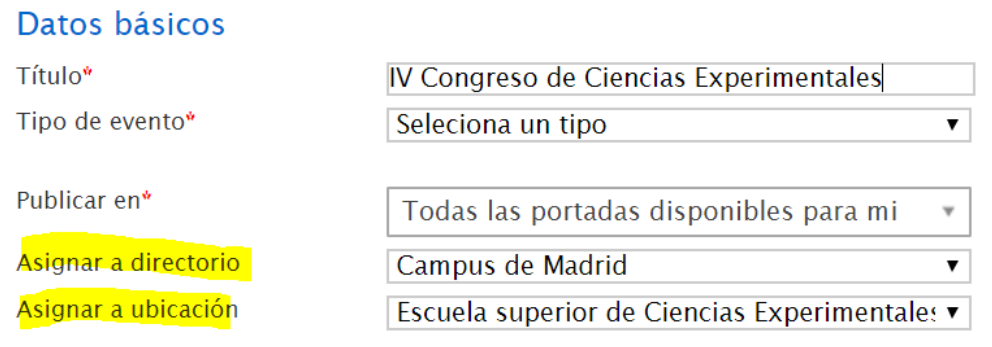
Locations
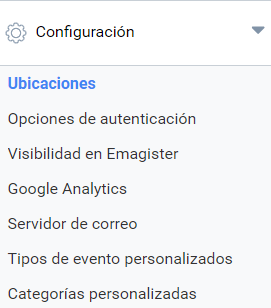
Symposium lets platform administrators add locations and points of interest so that Organizers can include them in the description of their events. You will find this feature in the Configuration > Locations menu:
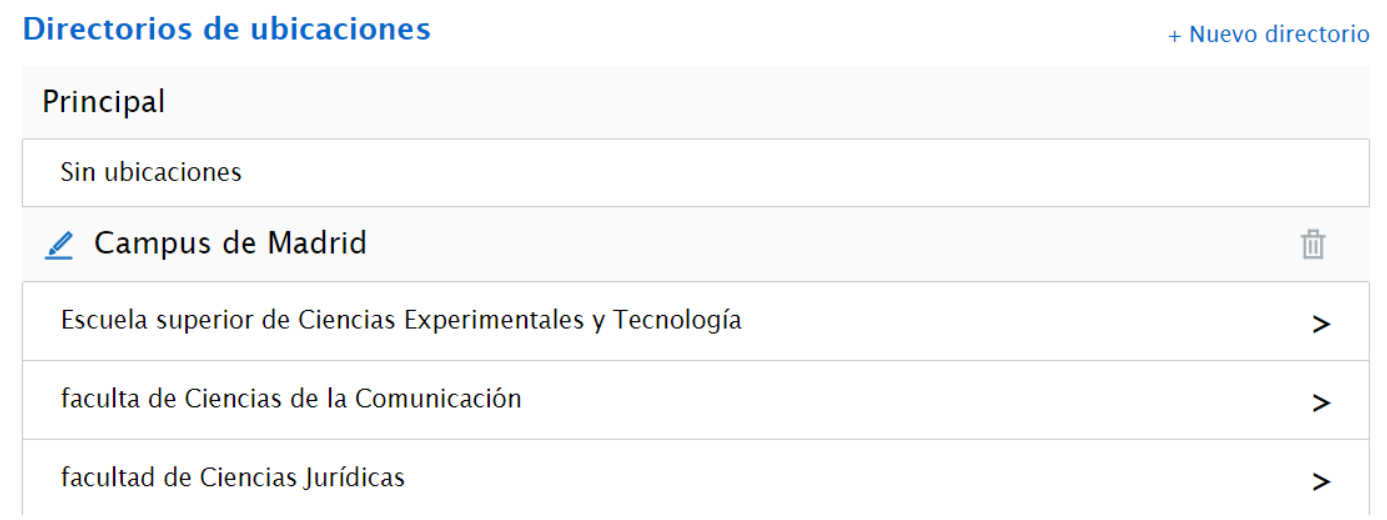
This tool is organized as a system of directories and assigned locations, so you first need to create a general directory to which you can then assign the more specific locations.
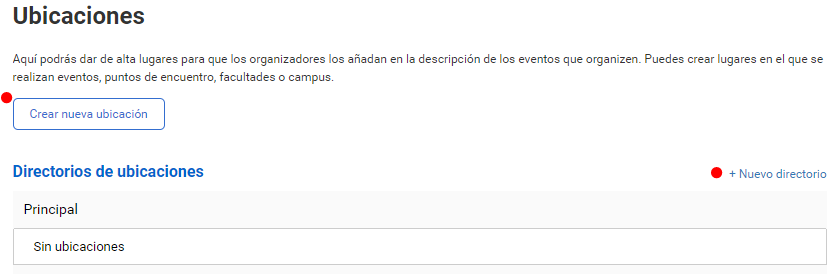
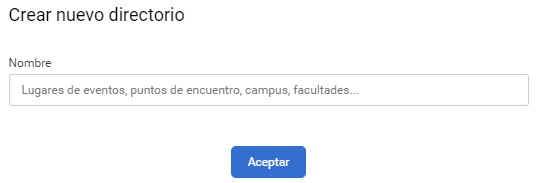
By default you will have a directory called “Main”. To create a new directory, click “New directory” and enter its name:
After creating a directory, that is, the main folder, click “Create new location”. You can create more than one location assigned to the same directory, just as the same location can be in more than one directory.
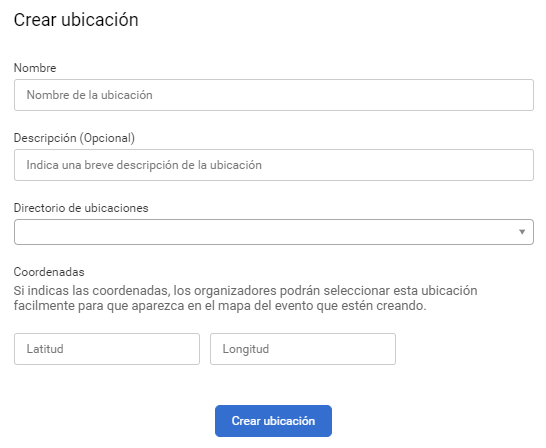
Fill in the form with the name of the location, a short description if you wish, and select the directory it will be grouped in. Optionally, you can specify the coordinates of the location so that it appears on the event’s map.
You can view and edit any location you have created by clicking the arrow.
Organizers will be able to use these locations in their events.