Configuration
Legal support in Symposium covers four areas: data protection, intellectual property, information society services and payment and collection management. For three of those areas (privacy, authors notification, and payment and return policies) you can create a collection of legal text templates so that organizers can use the ones appropriate to their context.
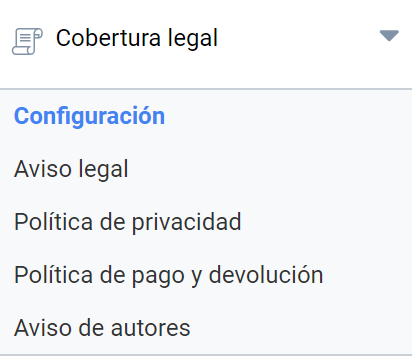
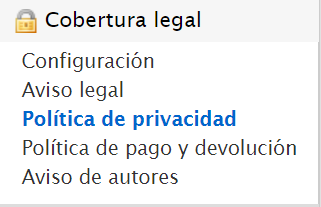
In the Administration panel > Legal coverage, there is a box giving access to the four areas. The following menus take you directly to each of them:
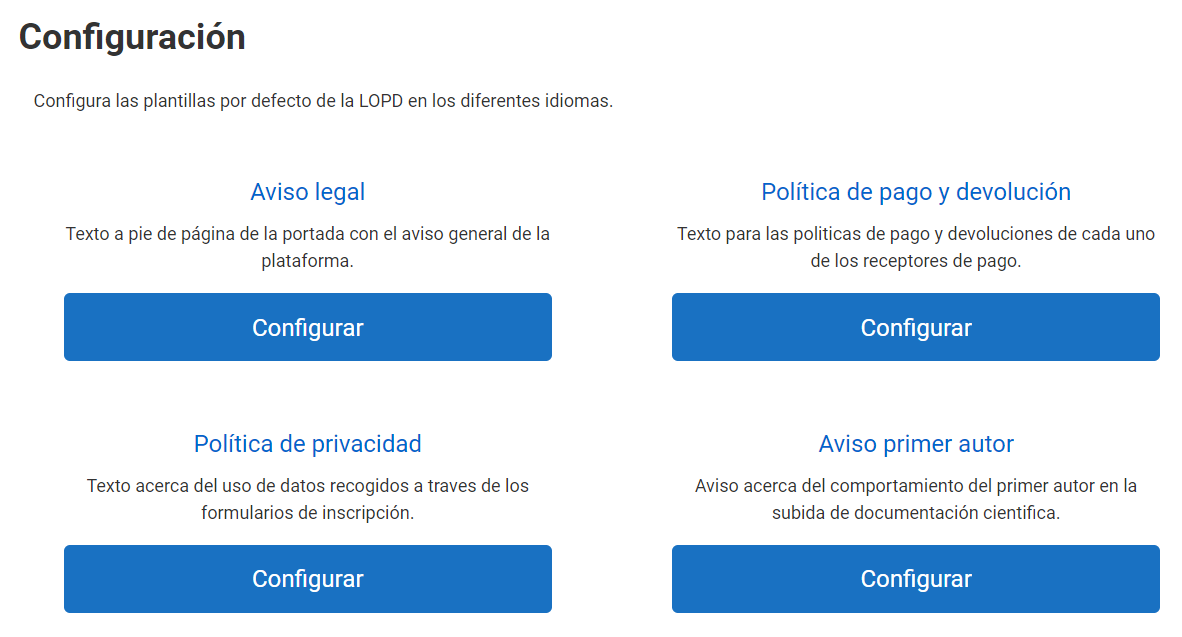
Legal Notice
This is a text related to the Spanish Information Society Services Act (Ley de Servicios de la Sociedad de la Información) and it applies to the whole events portal. For this reason, the Legal Notice is unique and it is not possible to have several templates. Symposium offers a generic model, ready to be adapted to your institution.
Places where the Legal Notice appears
- In the footer of the main instance page.
- In the footer of each event page.
- At the end of the registration form.
- In the contact form of both the platform and the event.
The wizard
- Give the new legal template a distinctive name.
- Fill in the fields for the new document.
- Review or modify the template.
- Result.
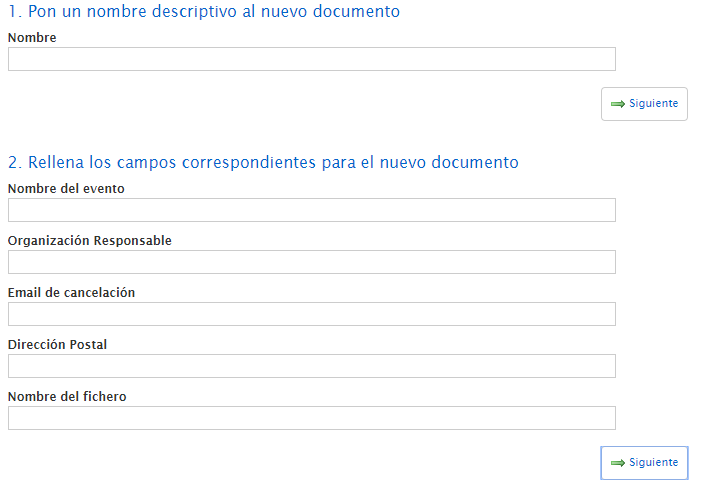
Fill in these merge fields if you want to use the predefined text, or else move on to the next step without filling in this form and write your text in the editor provided for that purpose.
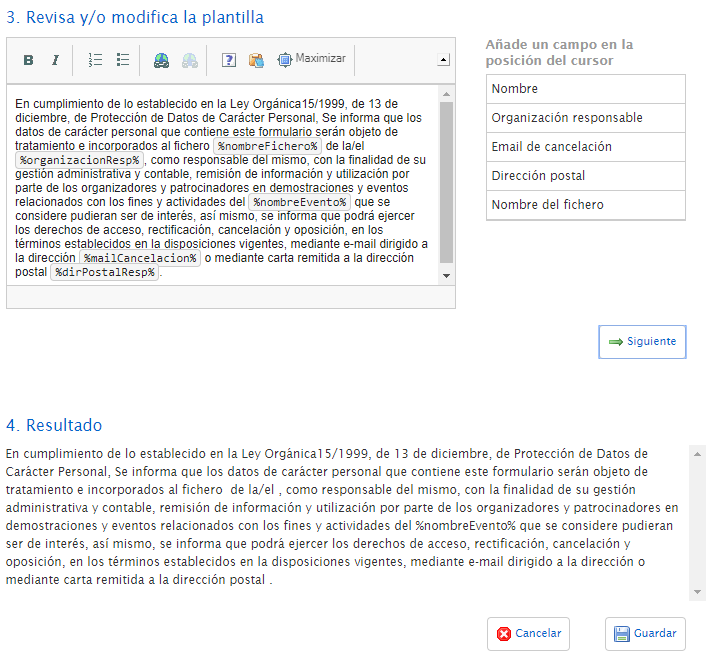
If you make any change, the predefined text will remain saved, ready to be inserted again if desired.
Payment and return policy
This text will appear when a payment is made for a registration or for a product purchase. Users will have to read and accept the Payment and return policy before completing the transaction.
You can create several templates to assign them to the different Payment receivers. Symposium provides a generic text so that you can adapt it. You can also delete it if you prefer to write texts more specific to your institution.
You will have to give each template a descriptive name so that you can tell it apart from others you may create.
You can use the field-filling wizard to merge fields, or you can skip step 2 if you prefer to write a text without merge fields.
Whenever you make a change to the text and click Save, the previous text will be saved in the second tab of the editor in case you want to restore it or view it.
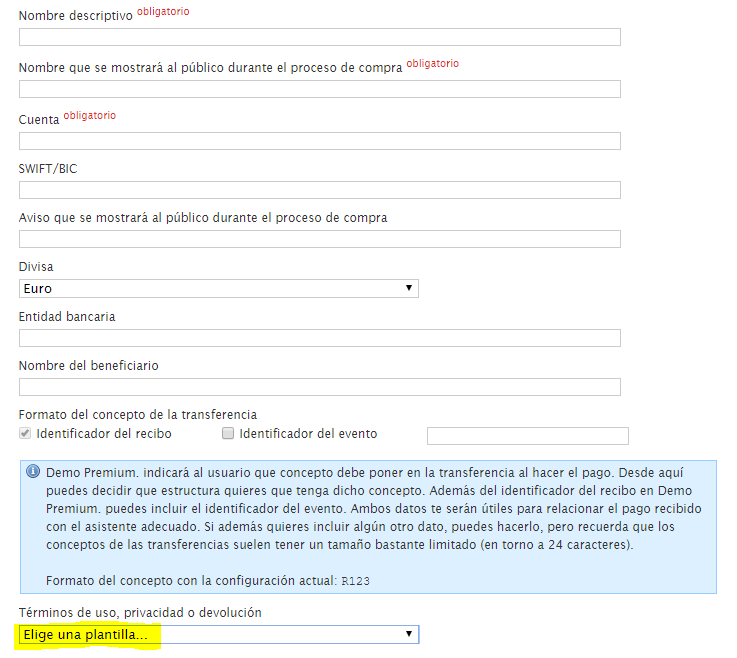
These templates can then be assigned to a Payment receiver in the Administration panel:
Privacy Policy
This article explains how the new Privacy management model works in accordance with the current Spanish data protection law (LOPDGDD), which will give partners in the European Union tools to bring the processing of their platform users’ data into line with the regulations.
The Data Protection Policy is a very important legal text that governs the processing of users’ data in accordance with European regulations. Configuring and assigning these texts is especially important when attendee management is carried out, since the event cannot be published until a Privacy Policy has been specified.
The Privacy Policy templates are configured from Administration panel > Legal coverage > Privacy Policy.
Creating Privacy Policy templates
Platform administrators can create custom texts for the Data Protection Policies through guided wizards. In these wizards you can detail the specific consents that will be requested from users, specifying which of them the user must accept in order for the service to be provided and which not.
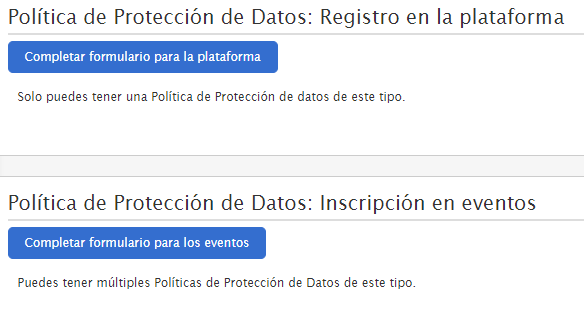
The new legal texts are organized into two levels:
- events platform level
- event level
*Platform-level Privacy Policy
This legal text is unique and can only be modified and/or viewed by an Administrator. The consents stated in this Data Protection Policy are the ones a user sees and accepts when registering on the platform. The creation process sets one mandatory consent, but the Administrator can add as many consents as needed and indicate which of them are mandatory and which are not.
*Event-level Privacy Policy
Administrators can create as many policies as they need, and set specific texts and the required consents for each of them. Organizers cannot create or modify these templates, but before publishing an event they can view them and must select one of them to be accepted by the attendee during the event registration process.
Parties involved in LOPD management
This module involves event Administrators and Organizers, from the platform management area, and Users, as the persons affected by the processing of their personal data.
The Administrator must create two types of LOPD templates: one at platform level, which users who sign up will have to accept, and at least one at event level, which attendees will have to accept during the registration process.
Event Organizers can select one of the Privacy Policy texts created by the Administrator. This is done when configuring the event registrations.
Users will have to accept the consents in two situations: - A user who registers for an event must accept the event-level policy, whose consents have been set by the Administrator and selected for the event by the Organizer. - If the user decides to activate their account, they must accept the Privacy Policy set at event level by the Administrator.
If the privacy policy is modified after registration or sign-up, users will be able to review it and accept the new terms when they log in to the platform, provided they were previously registered.
Selecting Data Protection Policy templates in an event
The organizer is responsible for selecting one of the templates created by the Administrator for the Data Protection Policy for the event attendees. This can be done from the event editor, in the Attendees > Enrollments section.
This section shows all the available templates, together with the consents set by the Administrator. The Organizer can select only one, but can also select another one and deprecate the previous one.
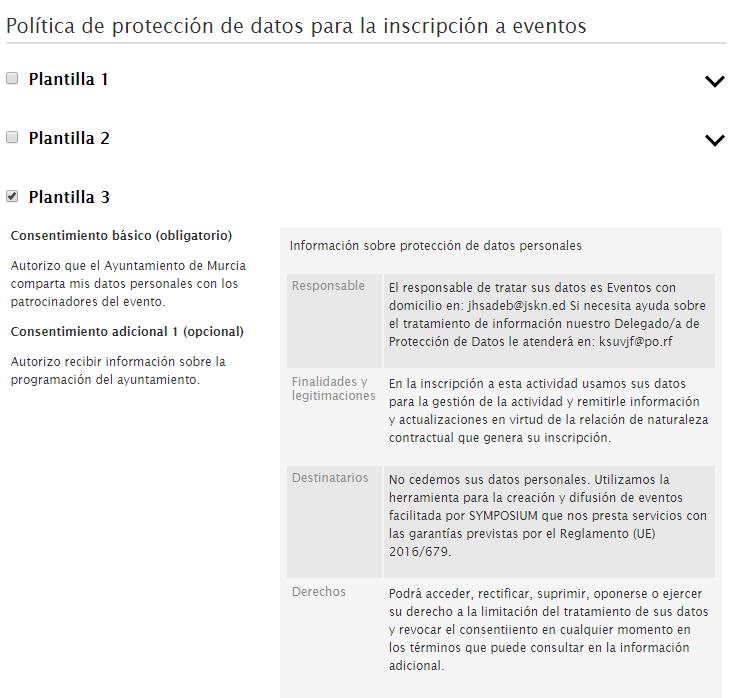
When an Organizer selects a template for their event, a copy of it is created. Any changes the Administrator makes to the original template do not affect the copies published in the events. In that case, the Organizer would be shown a notice in the Attendees > Enrollments section, informing them that the platform administrator has made changes to the information or consents of that policy. The Organizer can discard the change and keep using the old version of the LOPD template, or update the template. If they update the Privacy Policy, attendees will be informed of the change within 15 to 30 minutes and must then accept the new policy.
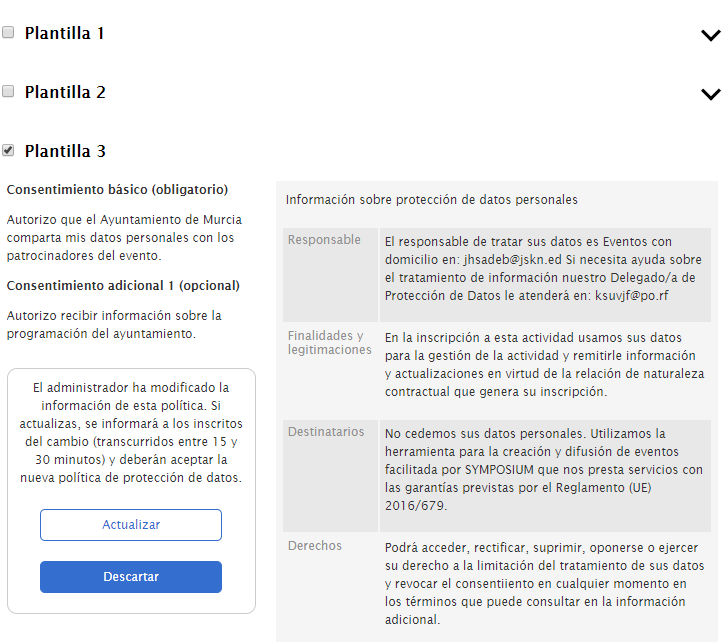
Updating User consents
When the Organizer updates the Data Protection Policy template modified by the Administrator, the consents the User accepted during the registration process become obsolete. The Organizer can check which users have yet to accept the new consents, at both event and platform level.
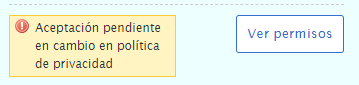
A user registered on the platform can update their consents by accessing their private panel:
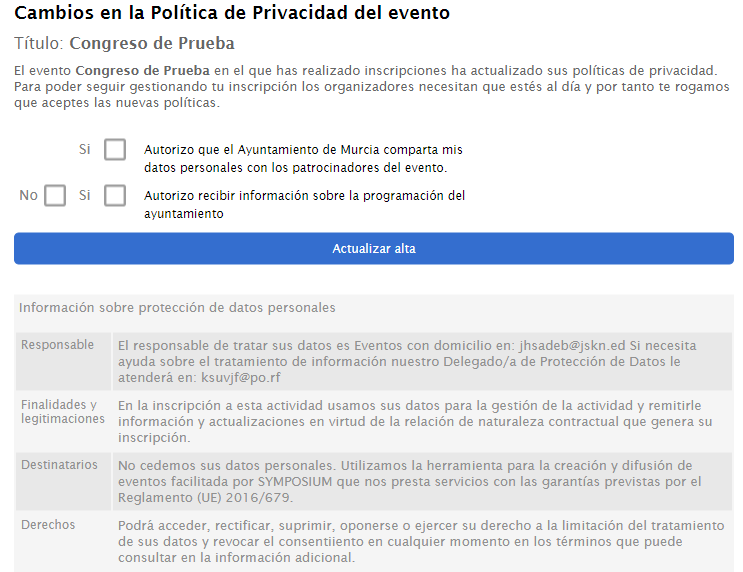
=
First author notice
This legal text relates to intellectual property and can also be used to include instructions on the formal submission of a paper, as well as guidelines and evaluation criteria for the scientific documents received.
This is the text that will be shown to the author of a document in the scientific documentation upload form. As with the other notices, Symposium offers a standard template with merge fields to adapt the text to the different needs of each event.
As with the other legal templates, the version of the text prior to editing will always be saved so that you can access or view it at any time.
Once you have created the template, you can add it to the event from the “Documentation reception” section. Users of an event website see it as an “Accept terms and conditions” link and must accept them in order to complete the submission of a scientific paper.